

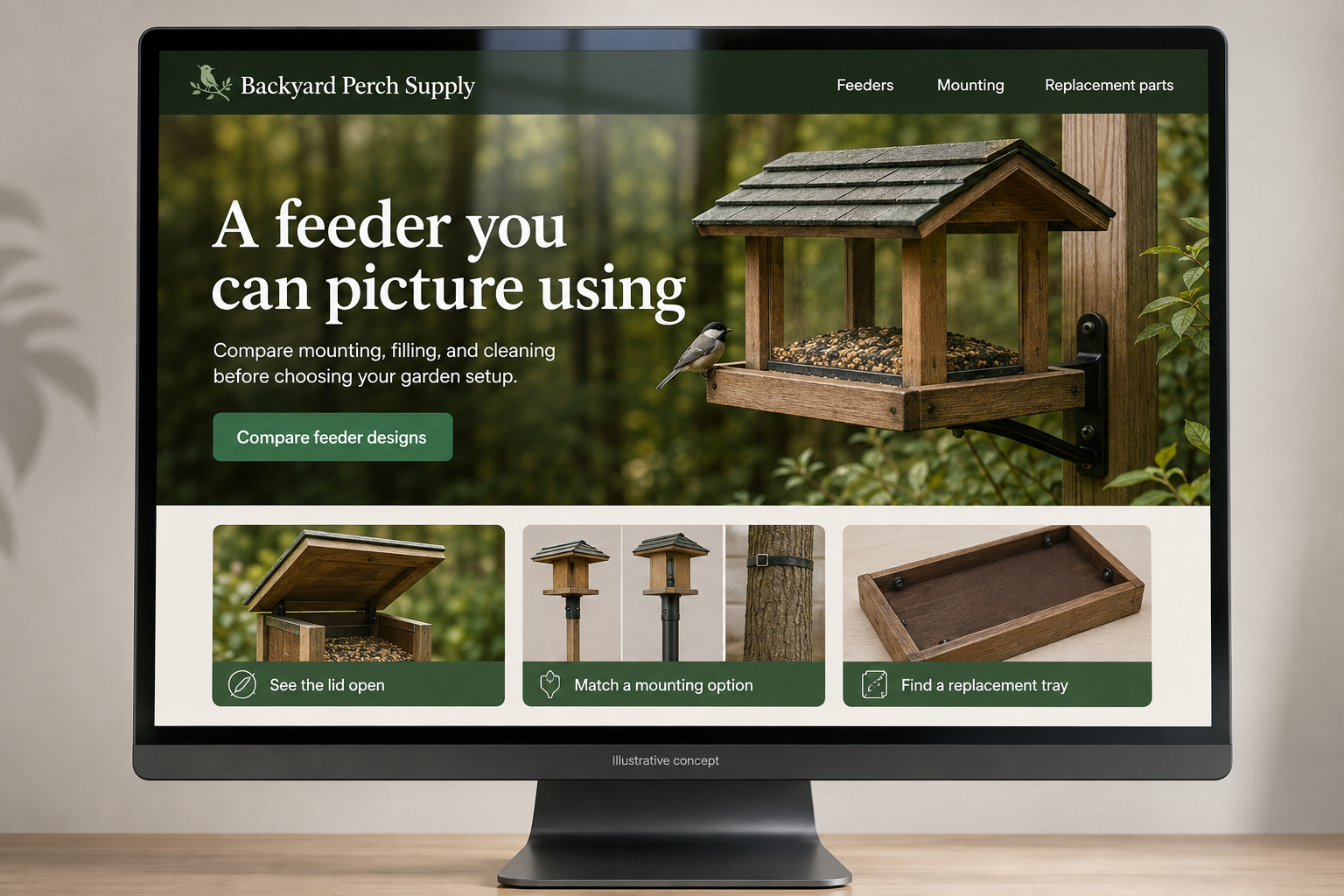
Explore this layout
A feeder you can picture using
Compare mounting, filling, and cleaning before choosing your garden setup.
The main action is “Compare feeder designs”. Supporting sections cover See the lid open, Match a mounting option, Find a replacement tray.

A bird feeder is an object someone will fill, open, clean, and sometimes repair. A hypothetical Missouri garden shop can make those tasks visible before purchase. Instead of presenting every feeder as an interchangeable garden ornament, its website should help shoppers compare where it goes, how it opens, and what ongoing attention the chosen design requires.
Choose the mounting arrangement first
Offer clear paths for hanging, pole-mounted, and window-mounted products where the catalog supports them. Show the included fittings and identify separately required supports. Give product dimensions and explain the mounting requirements stated by the manufacturer. A photograph should reveal the connection point rather than cropping it out for a cleaner composition. Customers who already own a pole need the relevant compatibility details before considering an additional bracket or a whole new setup.
Photograph the jobs people repeat
Show the lid open, the filling opening, and the parts removed for cleaning when the product is designed to come apart. State capacity using consistent units and describe the food types the manufacturer intends for the feeder. Avoid promising that a design will attract a particular visitor to every garden. The most useful comparison may be how easily someone can refill the object from their available position, not the decorative silhouette.
Keep replacement parts in the shopping path
Link trays, lids, mounting pieces, and other available replacements from the main product record. Give each part a compatibility note and a clear photograph. If a product is discontinued, a retained support page can still help an owner find the right component. Explain when a visually similar replacement belongs to a different model. This creates a practical reason for customers to return without treating a damaged small part as an automatic reason to replace everything.
Use observation guides to explain choices
A backyard guide can compare placement considerations described by the shop’s product documentation and show different mounting arrangements. Keep claims about wildlife behavior modest and clearly distinguish an illustration from a promised result. Link each example to its actual feeder and cleaning information. Measure replacement-part searches and questions about opening or mounting. Those patterns reveal which photographs are missing and which product names fail to help owners identify what they already have.
Before you launch
- Show the lid and cleaning access open.
- List mounting hardware that is excluded.
- Link replacement parts to exact models.
- Use consistent capacity units across feeders.
What product image helps most after the beauty shot?
For a feeder, a view showing how it opens and mounts often answers the next practical questions. Include a scale reference and the removable components when applicable. That information helps a customer picture routine filling and cleaning, which can matter more to the purchase than another distant garden scene.