

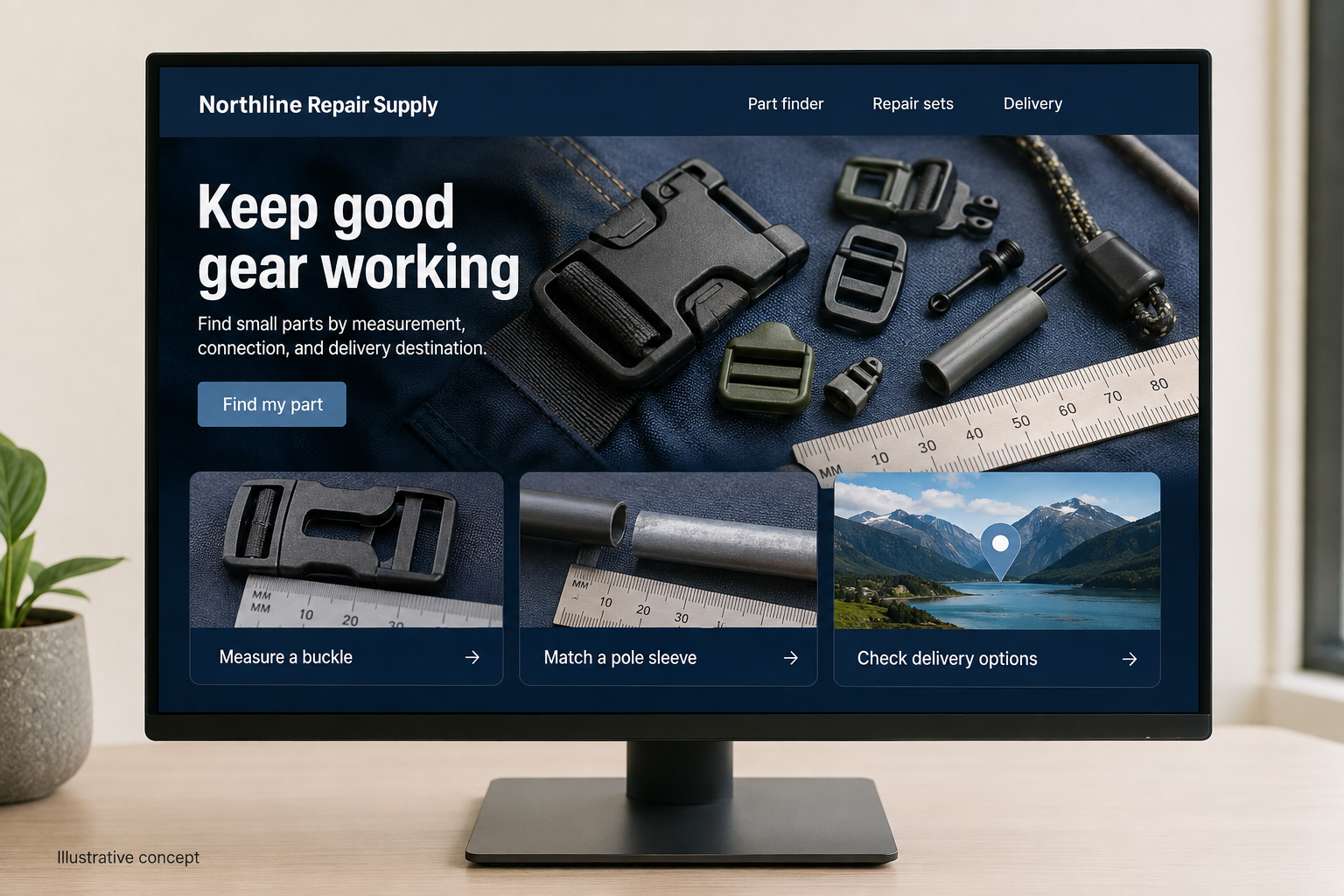
Explore this layout
Keep good gear working
Find small parts by measurement, connection, and delivery destination.
The main action is “Find my part”. Supporting sections cover Measure a buckle, Match a pole sleeve, Check delivery options.

A broken buckle can make an otherwise useful pack difficult to carry. For a hypothetical Alaska shop selling outdoor equipment repair parts, the website should begin with that small, specific problem. Shoppers need to identify the piece, check whether it fits, and understand how it will reach them. A dramatic wilderness photograph cannot answer any of those questions.
Start with the part in someone’s hand
Let customers browse by the thing they need to repair: pack strap, tent pole, jacket zipper, or storage case. Product photographs should include a ruler, the connection point, and the underside where a model number might appear. Offer a short identification form when a customer cannot match the item. Request useful measurements and one photograph, rather than asking them to write a long explanation of an unfamiliar component.
Make the destination part of shopping
Alaska includes communities reached through very different transport arrangements. Ask for the delivery postal code before presenting a delivery estimate, and distinguish processing time from transit time. If the shop supports a particular forwarding arrangement, explain the handoff plainly. Avoid a blanket statewide arrival promise. A saved destination can make repeat orders easier, but customers should still be able to compare shipping choices without creating an account.
Build repair sets around a real task
A pole repair set might require a sleeve, cord, and a cutting tool; a buckle replacement could need only one part. Show exactly what each bundle contains and what the customer must already own. Do not make every accessory preselected. A small diagram showing the finished repair helps a buyer understand the relationship between the pieces, while individual replacement links keep an inexpensive future repair from becoming another full-kit purchase.
Measure successful identification
Publish a guide to measuring a broken buckle or finding a tent-pole diameter, then link each instruction to the appropriate product filter. These pages can introduce the shop to people searching for a solution before they know a part name. Track whether visitors reach a compatible item, submit an identification request, or abandon after seeing delivery options. Repeated questions about one connection style are a reason to improve its photographs.
Before you launch
- Test a remote and an urban delivery address.
- Photograph connection points beside a ruler.
- Separate dispatch dates from transit estimates.
- List every included repair-set component.
Should every repair part offer immediate checkout?
Only when the buyer can establish compatibility with reasonable confidence. A poorly identified component may be better served by a short photo-and-measurement request. Keep clearly specified standard parts available to buy directly, and make the review route equally visible so uncertainty does not force someone to guess.