

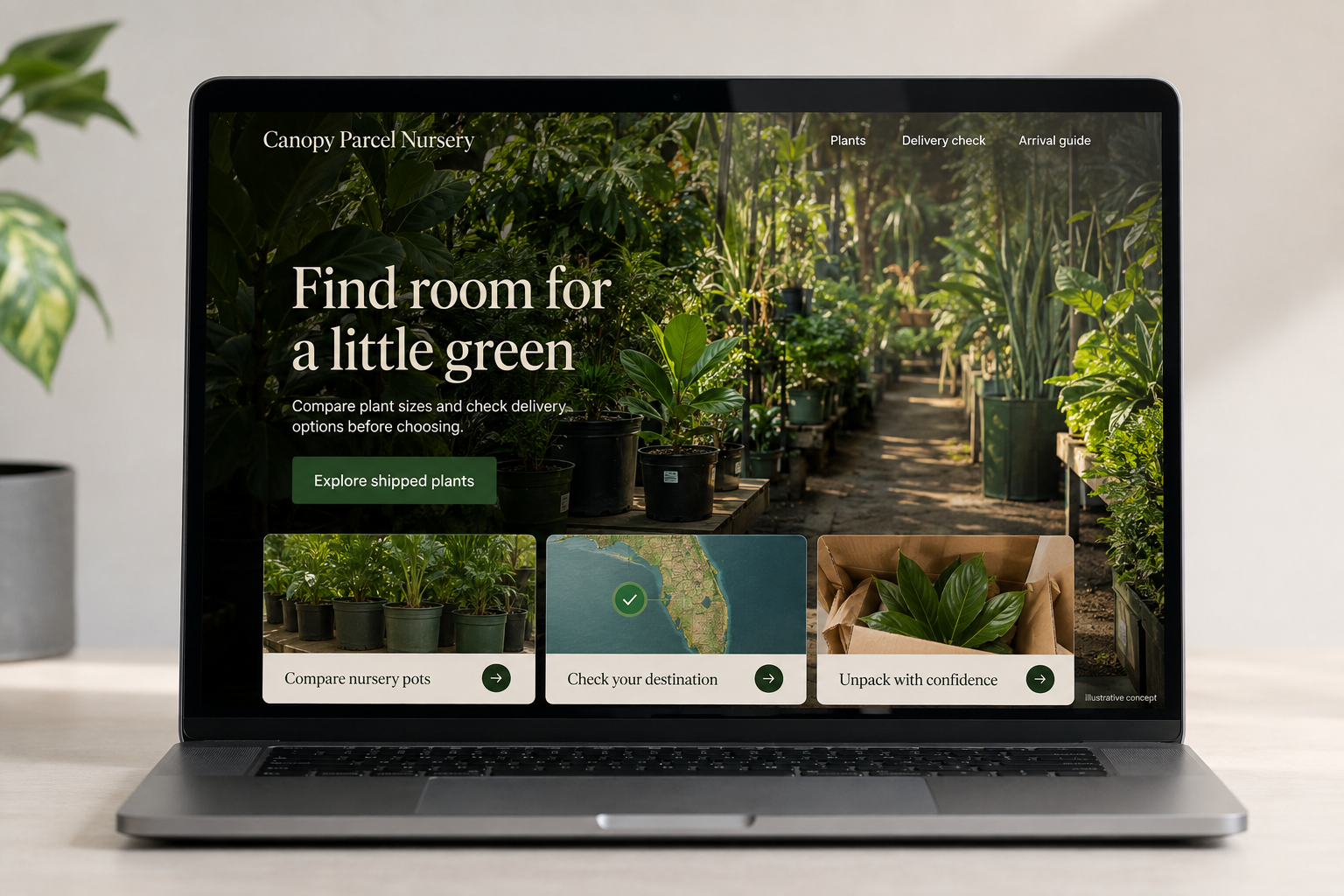
Explore this layout
Find room for a little green
Compare plant sizes and check delivery options before choosing.
The main action is “Explore shipped plants”. Supporting sections cover Compare nursery pots, Check your destination, Unpack with confidence.

A plant keeps growing while its product photograph stays the same. For a hypothetical Florida nursery shipping selected tropical plants, that creates a useful design challenge: describe the range a buyer should expect without pretending every specimen is identical. The store also needs to explain destination availability and dispatch arrangements before someone becomes attached to a particular plant.
Compare plants by the space they need
Show the nursery-pot diameter, approximate plant-height range, and whether a decorative container is included. Photograph an example beside a scale reference and explain when the actual specimen differs. Let shoppers filter by the light conditions described in the nursery’s care information, then inspect the details for an individual plant. Attractive foliage close-ups can support the page, but a whole-plant view is essential for someone choosing a shelf or floor position.
Check the destination before promising shipment
If the nursery ships only certain plants to certain destinations, make that eligibility check available on the product page. Keep the underlying shipping rules maintained by the business, with appropriate review when restrictions or carrier services change. Display temporary dispatch holds as current notices. Separate the nursery’s preparation window from carrier transit, and make it easy to contact the shop when a customer’s travel dates make receiving a living parcel difficult.
Explain the first few minutes after arrival
Show how the plant is packed and where the unpacking instructions will be found. Provide the nursery’s own product-specific arrival guidance and a clear route for reporting a concern. Ask for the order number and relevant photographs without requiring the customer to write a botanical diagnosis. The page should describe visible variation honestly, including the possibility of minor cosmetic differences, while leaving the actual resolution policy easy to locate and read.
Turn care content into informed selection
A useful article might compare the space needed by three plants the nursery actually stocks or explain what its pot-size labels mean. Connect that information to relevant listings instead of filling the blog with interchangeable plant descriptions. Track destination-check failures, arrival questions, and repeat purchases. If customers frequently misunderstand the supplied pot, change the product imagery and labels before promoting another large collection of nearly identical listings.
Before you launch
- Show the supplied nursery pot clearly.
- Test an unsupported shipping destination.
- Date temporary dispatch notices.
- Provide an arrival-concern form with photo guidance.
Should every plant listing show the exact specimen?
For a rare or individually priced specimen, exact-item photographs are helpful. For repeated nursery stock, representative photographs can work if the page states the likely size range and natural variation. Do not show a mature display plant as the sole image for a much smaller plant being shipped.