

Explore this layout
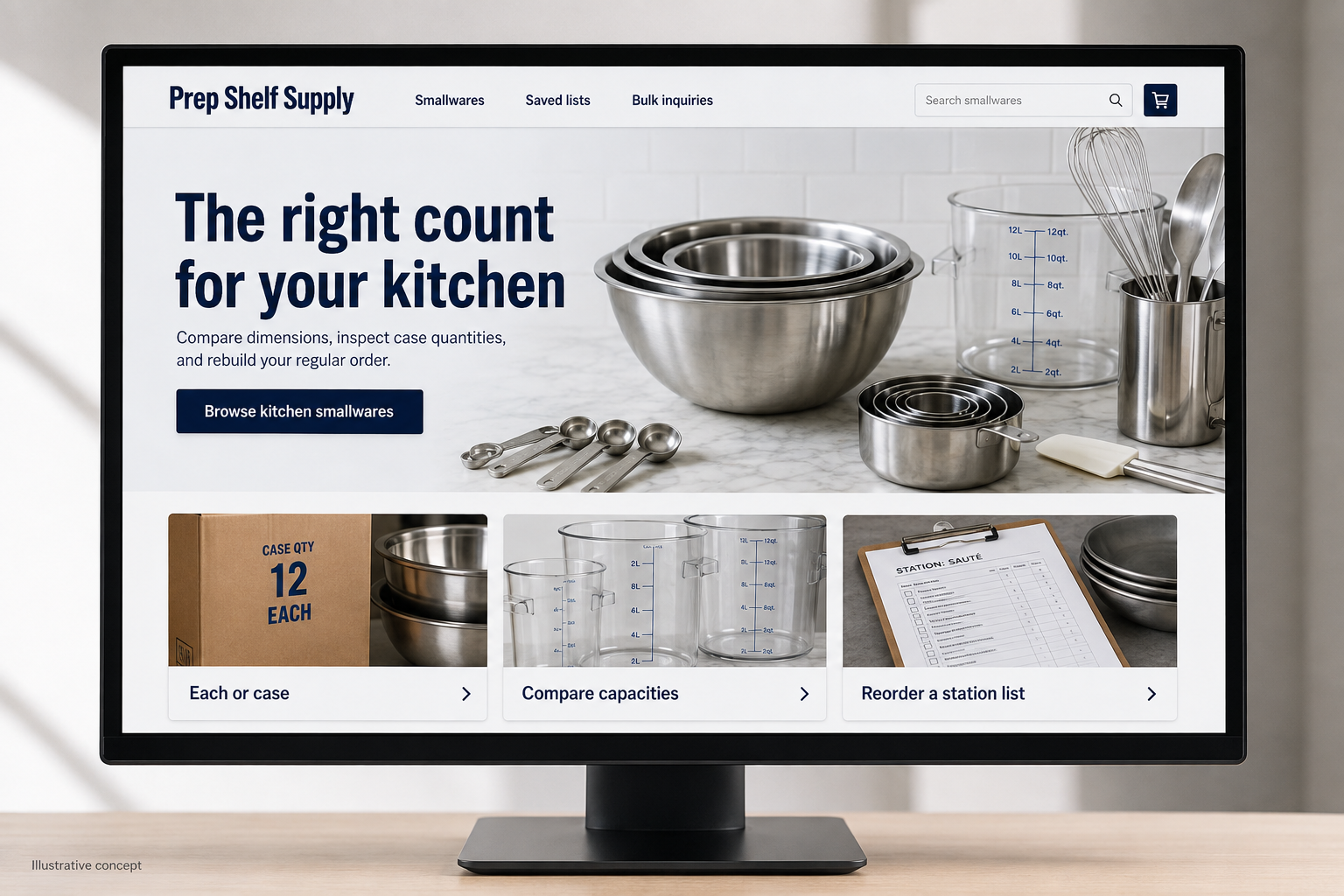
The right count for your kitchen
Compare dimensions, inspect case quantities, and rebuild your regular order.
The main action is “Browse kitchen smallwares”. Supporting sections cover Each or case, Compare capacities, Reorder a station list.

Ordering twelve mixing bowls and ordering twelve cases of mixing bowls are very different mistakes. A hypothetical Illinois smallwares supplier should make quantities impossible to overlook. Its customers may be replacing a broken item during a busy service day or equipping a new kitchen, so the store needs both quick repeat ordering and careful specification comparison.
Put the selling unit beside the price
Display “each,” “pack of six,” or “case of twelve” wherever a price appears, including search results and the basket. When useful, show the per-item equivalent as a secondary figure rather than replacing the actual selling price. Product photographs should not imply a larger set than the listing includes. Give the quantity control a clear label so a buyer knows whether changing it increases individual items, packs, or cases.
Make kitchen specifications comparable
Use consistent fields for dimensions, capacity, material, and compatible equipment where those details apply. A pan’s nominal name may not tell a buyer whether it fits an existing rack, so include the actual measurements supplied by the manufacturer. Keep specification sheets accessible without making a download the only source of basic information. Product comparisons should surface operational differences rather than simply placing several nearly identical photographs next to one another.
Support the second and twentieth purchase
Allow a buyer to save a labeled list for a location, station, or recurring task. When an item changes or is discontinued, explain that on the reorder screen and show the relevant differences in any alternative. Do not silently swap a material or pack count. A repeat-order summary should show current price, current availability, and the delivery destination before submission, even if those values were correct on the previous order.
Build guides for purchasing decisions
A guide comparing mixing-bowl capacities or organizing a new prep station can lead readers to useful product filters. Keep the examples tied to the actual catalog and explain why dimensions or quantities matter. Measure successful list reorders and quote requests separately from first-time retail baskets. If buyers repeatedly call to confirm the selling unit, revise the catalog cards and cart labels; a paragraph hidden beneath the specifications will not fix that problem.
Before you launch
- Show selling units on search cards and invoices.
- Test ordering two cases of a multipack.
- Highlight changed pack counts during reorders.
- Keep essential dimensions outside PDF downloads.
Is a per-item price enough for products sold by the case?
No. The buyer needs the actual case price and the number of items included before adding it to the cart. A per-item comparison can be helpful as secondary information. Keep the quantity selector labeled in cases so the order total does not depend on an assumption about the selling unit.