

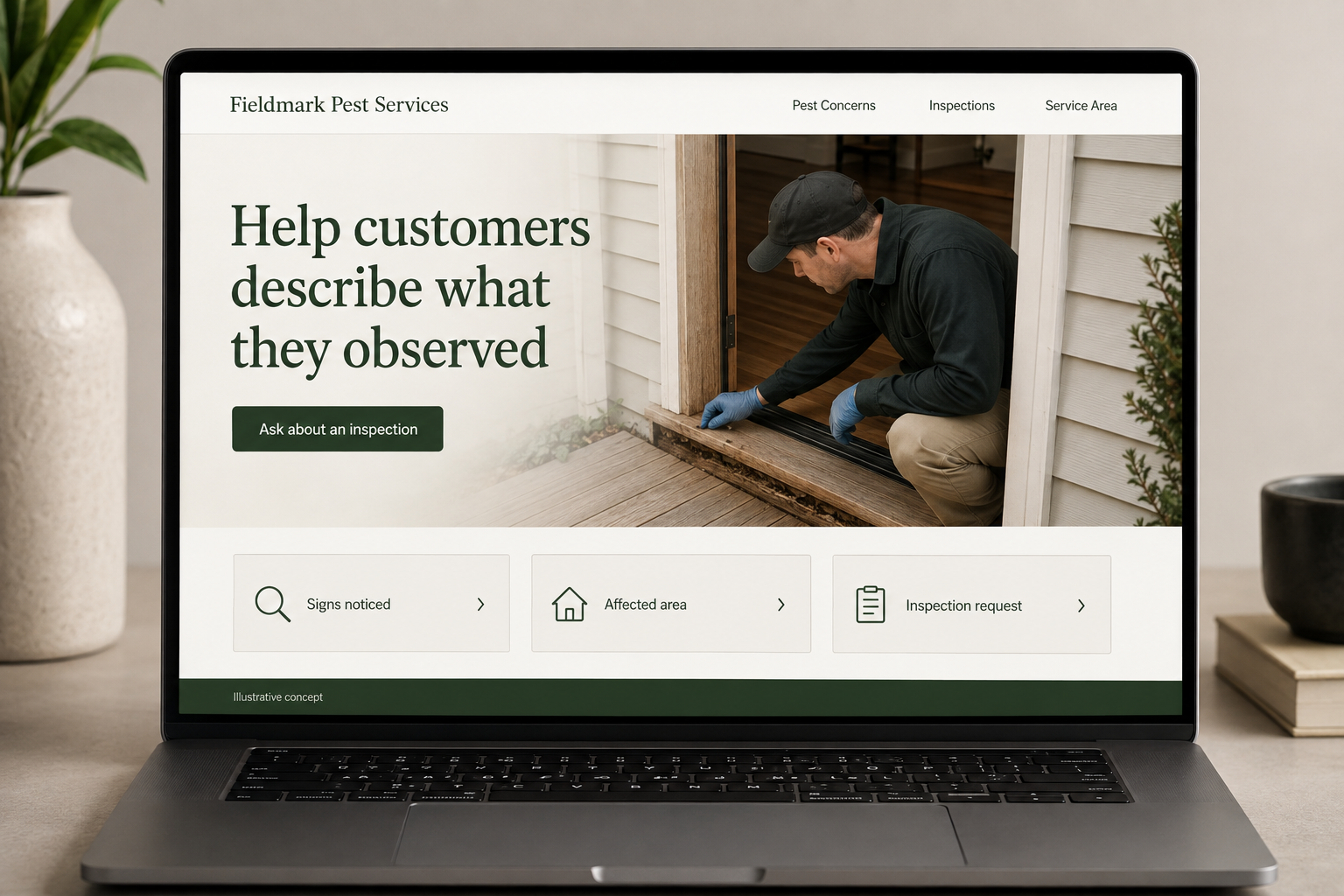
Explore this layout
Help customers describe what they observed
Explore signs noticed, affected area, and inspection request.
The main action is “Ask about an inspection”. Supporting sections cover Signs noticed, Affected area, Inspection request.
People rarely arrive at a pest control website with a neat description of the problem. They have noticed something and want a sensible next step. The page should welcome that uncertainty, explain which properties and pests the company handles, and make an inspection inquiry straightforward without using frightening language to rush the decision.
Start with what the customer has noticed
A visitor may have seen an insect, heard a noise, or found damage. Let them describe that observation without forcing a confident identification. Organize the website around the pests and properties the business actually handles, with a separate general inspection route. Avoid alarming images or claims that every sign proves an infestation. The useful next step is a clear conversation about an inspection, service options, and the customer’s specific situation at the property.
Explain the service process before the treatment
Describe how the company gathers information, assesses the situation, discusses a proposed scope, and communicates follow up. Keep product and treatment claims tied to the actual service and maintained information. Do not promise a universal result or suggest that one approach suits all properties. Customers need to know how household or business circumstances are discussed and what the company will explain directly before any work is agreed or carried out.
Ask for relevant observations without sensitive detail
A short form can request location, property type, the area affected, and when the customer first noticed the issue. A photo can be optional. Give an unsure option for pest type. Let people state a preferred contact method and route urgent questions according to actual hours. The confirmation should explain the next discussion rather than imply a treatment has been selected from the form or a visit is already confirmed.
Use questions to improve the service pages
Track which pest pages produce suitable inspection requests and where callers misunderstand coverage or follow up. If a recurring plan is offered, explain how it differs from a one time visit. Educational content can help customers prepare observations for a consultation without becoming a treatment manual. Link it to the relevant service. A clear website attracts the right inquiries by making the process understandable, rather than relying on fear or unsupported guarantees.
Before you launch
- Include an unsure pest option
- Explain inspection versus treatment
- Make observation photos optional
- State actual contact hours
Should the form require a pest identification?
No. Give visitors an unsure option and let them describe what they saw and where they saw it. An optional photo may support the conversation, but the website should not treat a customer’s guess as a confirmed identification or automatically choose a service from it.