

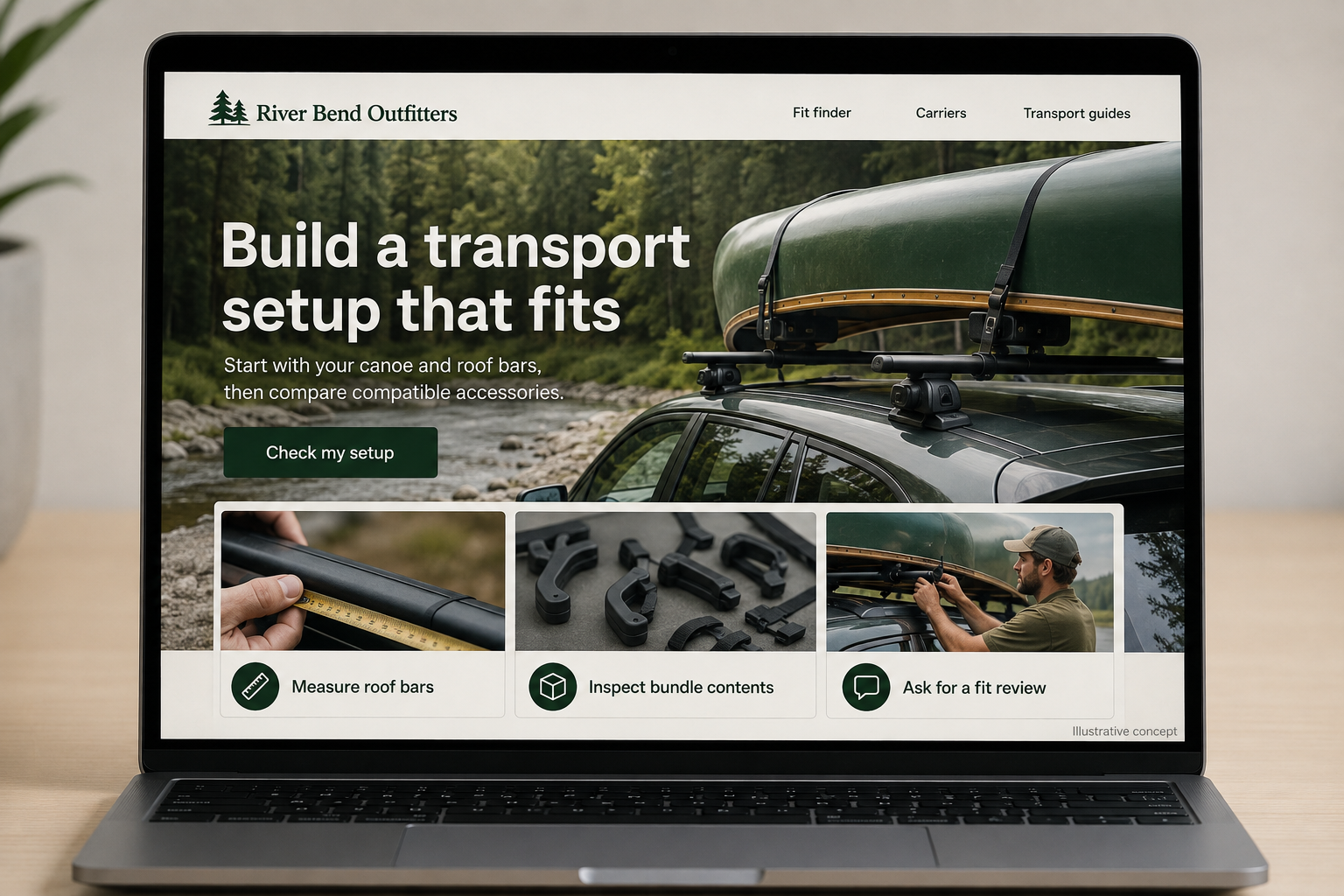
Explore this layout
Build a transport setup that fits
Start with your canoe and roof bars, then compare compatible accessories.
The main action is “Check my setup”. Supporting sections cover Measure roof bars, Inspect bundle contents, Ask for a fit review.

A canoe transport accessory is only useful when it works with both the boat and the vehicle. For a hypothetical Arkansas paddling outfitter, that makes compatibility the heart of the online store. River photographs can establish the setting, but the buying journey should help a customer check dimensions, compare attachment methods, and recognize when staff need to review the setup.
Ask about the existing setup first
A short selector can ask whether the customer has roof bars, the bar shape, their spacing, and the canoe’s relevant dimensions. Explain where each measurement comes from with a labeled illustration. Include an “I am not sure” route that saves the answers already entered. Do not turn incomplete information into a confident fit recommendation. A staff-review request is more useful than presenting every roof accessory as if it were interchangeable.
Show how the pieces connect
Product pages should show the carrier on its own and in a clearly identified example arrangement. Put required mounting hardware beside the main item instead of burying it in a long description. Explain which components are included and which must already be on the vehicle. Link to the manufacturer’s current installation instructions where available. A website diagram should clarify the shopping decision without pretending to replace the instructions for a particular product.
Let buyers inspect the bundle
A transport bundle should expand into a visible list of carriers, pads, straps, and any other included items. Show quantities and allow buyers to remove an optional accessory they already own. Keep compatibility requirements attached to the bundle as well as to its individual products. If one essential part is unavailable, disclose that before checkout and explain whether the order will wait, ship separately, or require a different configuration.
Answer planning questions that lead somewhere
Publish focused guides on measuring roof-bar spacing, comparing storage sizes, or organizing transport equipment between outings. Each guide should lead to a relevant selector or category, giving readers a concrete next step. Track completed fit checks and the reasons customers request review. If people repeatedly stop at the same measurement, replace the explanation or add a clearer photograph rather than simply adding another sales button to the page.
Before you launch
- Test a buyer who has no roof bars.
- Show quantities inside every transport bundle.
- Keep essential fit requirements beside the price.
- Provide a saved-summary route to staff review.
Should a compatibility selector always recommend a product?
No. It should identify when the information is insufficient or the proposed setup falls outside the shop’s supported combinations. Give the customer a concise summary to send for review. A useful selector reduces guesswork; it should not manufacture certainty just to produce an add-to-cart result.