

Explore this layout
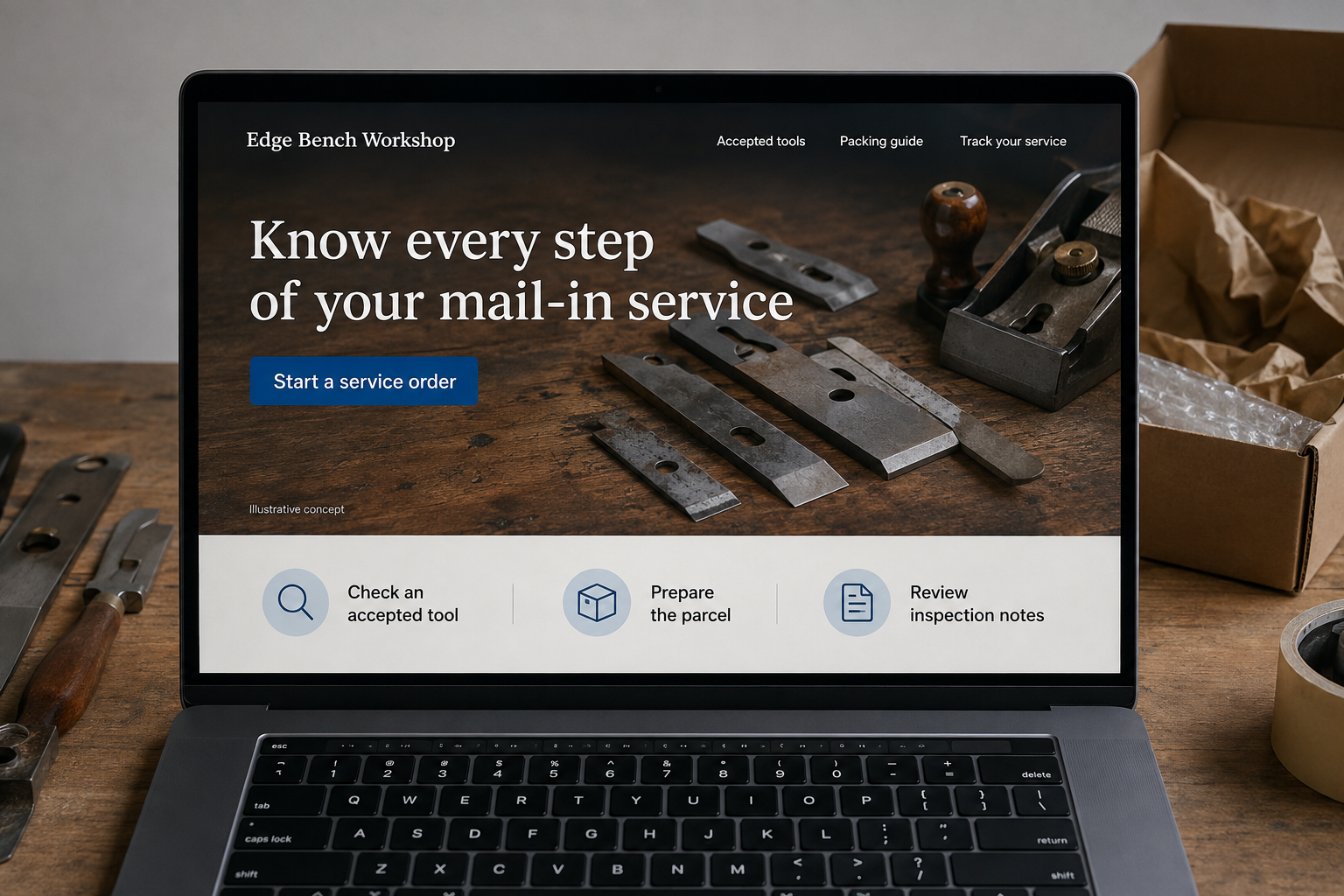
Know every step of your mail-in service
Identify your tools, prepare the parcel, and follow the workshop’s progress.
The main action is “Start a service order”. Supporting sections cover Check an accepted tool, Prepare the parcel, Review inspection notes.

A mail-in sharpening service sells a process before it returns a finished result. A hypothetical Ohio workshop should explain which tools it accepts, how an order is identified, and what happens after the parcel arrives. The most useful website design makes each handoff clear enough that a customer can follow the service without repeatedly asking where their tools are.
Define what the workshop can receive
List accepted tool types with photographs and explain which items require a separate review. If condition or construction affects the service, ask for a clear image before accepting an uncertain order. Describe the basis of pricing and when an inspection could change the quoted work. Do not let a broad quantity field imply that every kitchen tool receives the same treatment. Customers should understand the workshop’s actual service boundary before preparing a parcel.
Make packing and identification concrete
Provide the workshop’s own packing instructions in a printable form and in readable web text. Explain how the order identifier should accompany the parcel without exposing unnecessary personal information on the exterior. Show what the customer supplies and whether any shipping materials are included in a purchased kit. Keep carrier arrangements clear. A packing illustration should support the workshop’s stated instructions, with each depicted material labeled and no ambiguity about which tools the example covers.
Show progress as meaningful milestones
Use statuses such as received, inspected, awaiting approval, in service, and dispatched when they reflect the workshop’s real workflow. Explain what action, if any, the customer needs to take at each stage. Separate time in the workshop from inbound and return transit. If an item needs additional approval, show the reason and proposed scope in one place rather than splitting the decision across several short messages with incomplete context.
Help a returning customer identify the next order
A private service history can retain the tool description, prior work, and order reference without making promises about a universal maintenance interval. Offer an optional reminder chosen by the customer. A guide to identifying an accepted tool type can bring qualified visitors to the intake page. Measure incomplete intake forms, packing questions, and parcels that arrive without identifiers. These operational signals reveal exactly where the website needs a clearer photograph or instruction.
Before you launch
- Show accepted and review-required tool examples.
- Include an order identifier inside packing instructions.
- Separate workshop time from transit time.
- Explain customer action for each service status.
Should customers pay before the workshop inspects their tools?
The site should describe the workshop’s actual pricing and approval process. A fixed service for a clearly identified item may be ordered directly, while uncertain condition or construction may need inspection first. Explain any adjustment process before commitment so the arrival of the parcel does not create an unexpected decision.