

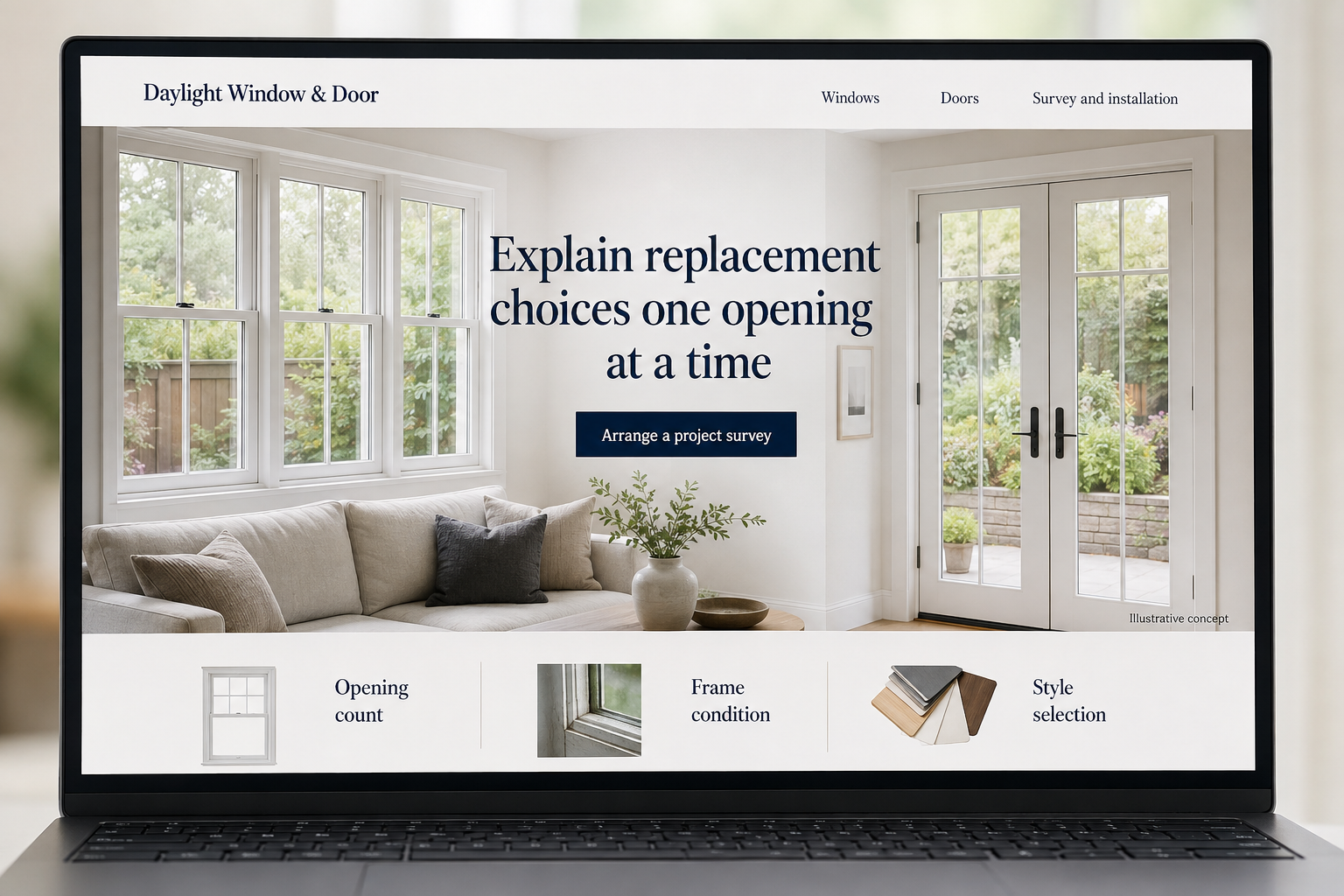
Explore this layout
Explain replacement choices one opening at a time
Explore opening count, frame condition, and style selection.
The main action is “Arrange a project survey”. Supporting sections cover Opening count, Frame condition, Style selection.
Window and door customers often start with a symptom: a draft, a sticking opening, or a room that feels too dark. They may not know the product name or whether the frame also needs replacement. Build the website around that starting point, then introduce styles, measurement, and installation so visitors can ask for help without making technical decisions before an assessment.
Show the difference between a product and an opening
A visitor can choose a window style online, but the existing opening and installation scope still matter. Explain the relationship between product selection and a site measurement. Separate windows, entry doors, and other offered products so people find relevant examples quickly. Give enough detail about frame and opening conditions to explain why a displayed product price may not represent the full installed cost of the customer’s particular project.
Use comparisons that support a shortlist
Present the styles and materials the installer actually offers, with readable descriptions of appearance and everyday use. Keep manufacturer specifications attached to the correct products and avoid broad performance claims across the range. Show real installations with captions about the scope. A customer comparing options should be able to save or note a preference without being asked to choose exact dimensions or configurations before anyone has reviewed the existing opening.
Make the estimate request fit replacement work
Ask which types of openings are involved, approximately how many, and whether the customer wants a similar look or a change. Allow photos of the current units. A field for property type helps route more complex requests. Explain whether a showroom visit or site appointment comes first. The confirmation should distinguish a request for measurement from a booked installation and make it easy to correct an opening count after submission.
Turn common questions into useful page updates
Track which product categories produce suitable appointments and what the sales team has to clarify repeatedly. If customers assume every service includes changes to surrounding finishes, explain the scope more clearly. A guide to preparing an opening list can support a consultation without pretending to replace professional measurements. Link it from the form and the product pages. Better information at that point often helps more than a larger image carousel.
Before you launch
- Distinguish window work from entry and patio door projects.
- Explain who takes final measurements.
- Show opening styles with plain-language labels.
- Ask whether the inquiry concerns replacement or a new opening.
Should the site ask customers to enter exact measurements?
Approximate measurements can help an initial conversation if the form makes their purpose clear. Do not imply that a visitor's figures replace the measurement process used for an order. A short explanation of the survey and confirmation steps helps prevent an early inquiry from feeling like a binding product specification.