

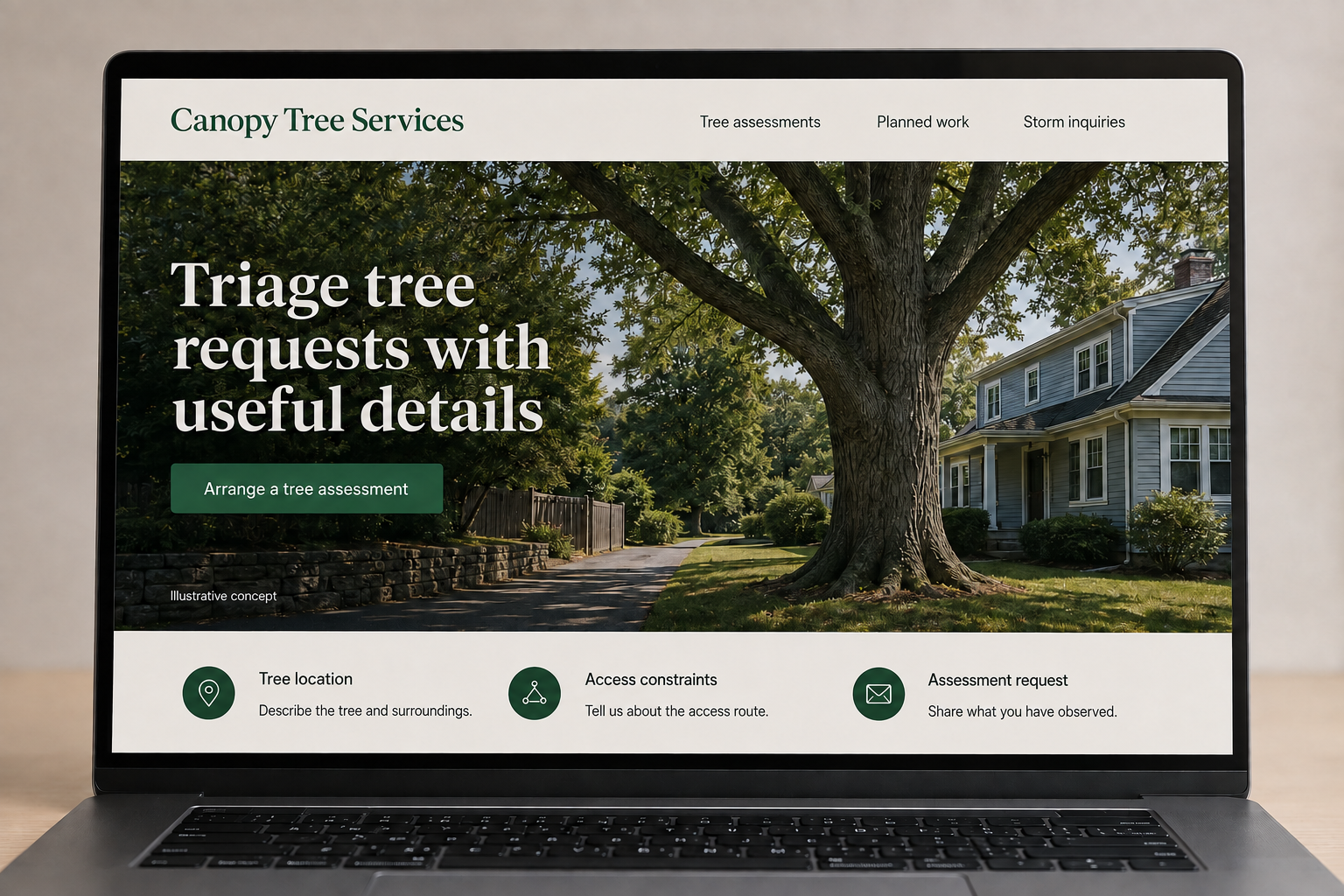
Explore this layout
Triage tree requests with useful details
Explore tree location, access constraints, and assessment request.
The main action is “Arrange a tree assessment”. Supporting sections cover Tree location, Access constraints, Assessment request.
Tree-service visitors may be planning routine work, dealing with storm damage, or trying to understand whether a tree needs attention. The website should give each person a clear contact route and explain the assessment process. Show the kinds of work your team accepts, describe useful site information, and keep the first inquiry focused on observations rather than asking the customer to choose a technical treatment.
Let customers describe the tree and its setting
Visitors may want pruning, removal, or a review of something they have noticed. Give those requests separate routes without asking a quiz to diagnose tree condition. Ask where the tree sits in relation to buildings and access routes. Use calm, factual language and state actual response hours. A website can help the office understand a request while leaving the assessment of the tree and work method to qualified people on site.
Show access as part of the work
Project photos should include context about the space around the tree, not only an impressive view of equipment. Explain the service scope, how the site was approached, and whether debris handling was included. Do not imply every job uses the same machinery. Customers comparing providers need to know which tasks the company offers and what is discussed before a proposal, especially when the tree is in a confined or shared space.
Keep photo requests sensible
An inquiry can request location, the service being considered, approximate tree size if known, and photos from areas the customer can already reach safely. Make all uncertain details optional. Avoid encouraging climbing or close inspection. Tell visitors how urgent requests should reach the business and whether a form is monitored outside normal hours. The confirmation should explain the next contact step without turning an unreviewed submission into a promised attendance time.
Use service evidence to improve lead quality
Group real examples by offered services and link them to a clear assessment request. Track whether inquiries match the company’s area and capabilities. If visitors regularly assume stump work or debris removal is included, clarify those points before the form. Helpful articles can explain how to prepare a description for a consultation. Avoid sensational language about danger as a marketing tactic; clear scope and credible project context give readers a better basis for choosing.
Before you launch
- Separate urgent contact arrangements from planned assessments.
- Ask about access and the tree's position on the property.
- Label pruning, removal, and stump work accurately in galleries.
- Make photo submission optional for the first inquiry.
Should a customer choose pruning or removal on the form?
They can state a preference, but allow an option for requesting an assessment. Some visitors only know what concerns them about the tree or its location. A form that accepts that description gives the team a better starting point than requiring the customer to select a treatment before a visit.