

Get print files and finishing choices ready Explore print specifications, artwork upload, and proof workflow. The main action is “Start a print quote”. Supporting sections cover Print specifications, Artwork upload, Proof workflow.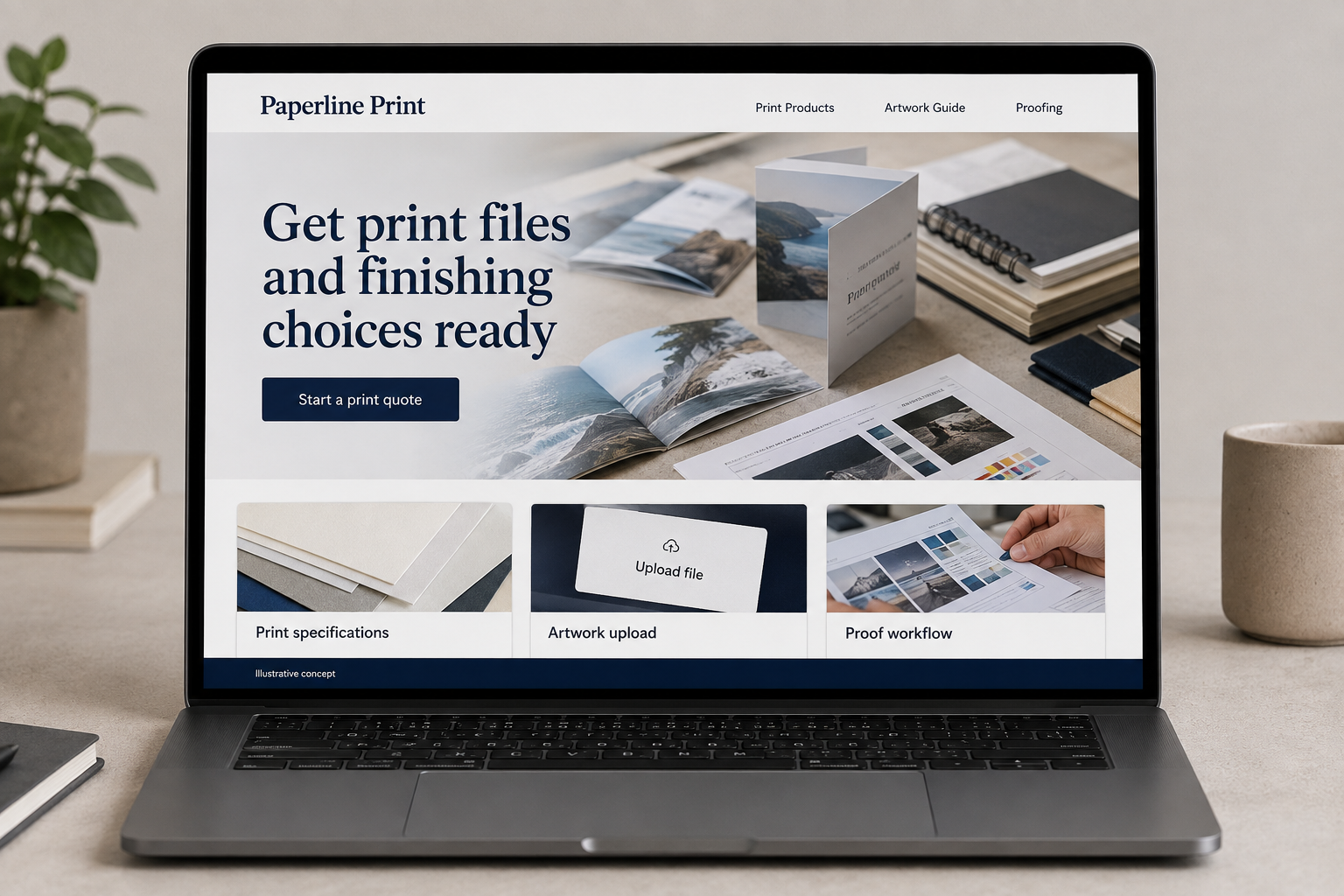
Explore this layout
A customer may know they need a brochure without knowing how to describe its folds, paper, or finishing. A commercial-printing website should translate those choices into understandable examples. The order journey then needs to connect the finished item, quantity, deadline, artwork review, and proof approval so a file upload never feels like a mysterious jump straight to the press.
Help buyers specify the printed item
A customer may know they need a brochure or sign without understanding paper, size, or finishing terminology. Organize products by the item being made and explain the choices in plain language. Show actual print formats with clear dimensions and representative examples. Avoid treating every artwork file as production ready. The useful next step is a well described quote or order request that gives the printer enough information to review the job before promising price or completion timing.
Make artwork and proofing part of the journey
Explain accepted file formats, how files are checked, and when a proof is reviewed. Keep technical specifications on a supporting page so the main product page remains readable. State whether design or file correction is a separate service. Buyers need to know who approves the content and what happens if something needs revision. A simple workflow can prevent the mistaken assumption that uploading a file automatically means the job is approved and already running on the press.
Collect print details without a wall of jargon
Ask for product type, finished size, quantity, desired date, and any known stock or finishing preference. Let the customer request help with unfamiliar choices. Provide a controlled upload route and explain practical file limits. Carry a selected product into the inquiry. The confirmation should identify the review step and distinguish a quote request from an accepted production order, particularly when artwork, materials, or the deadline still need discussion with the team before work can be scheduled.
Measure quotes that are ready for review
Track inquiries by print product and note the missing details that slow quoting. If customers repeatedly misunderstand folding or finishing choices, improve that explanation with a labeled example. Content about preparing an initial print brief can support acquisition and reduce avoidable back and forth. Link it to the relevant product. Judge the website by suitable jobs and clearer files, rather than presenting every imaginable print item as available without a maintained specification or an actual process behind the listing.
Before you launch
- Show finished dimensions beside each print format.
- Distinguish artwork checking from design services.
- State whether a preview is illustrative or an approval proof.
- Carry product type and quantity into the quote request.
Does uploading artwork mean the printer can start production?
Only when the business’s stated review and approval requirements have been met. A file may need checking, correction, or a customer-approved proof. Explain those stages before upload and repeat the next step in the confirmation. The customer should know whether they submitted material for review or authorized a defined production job.