

Explore this layout
Route a support problem and explain project help
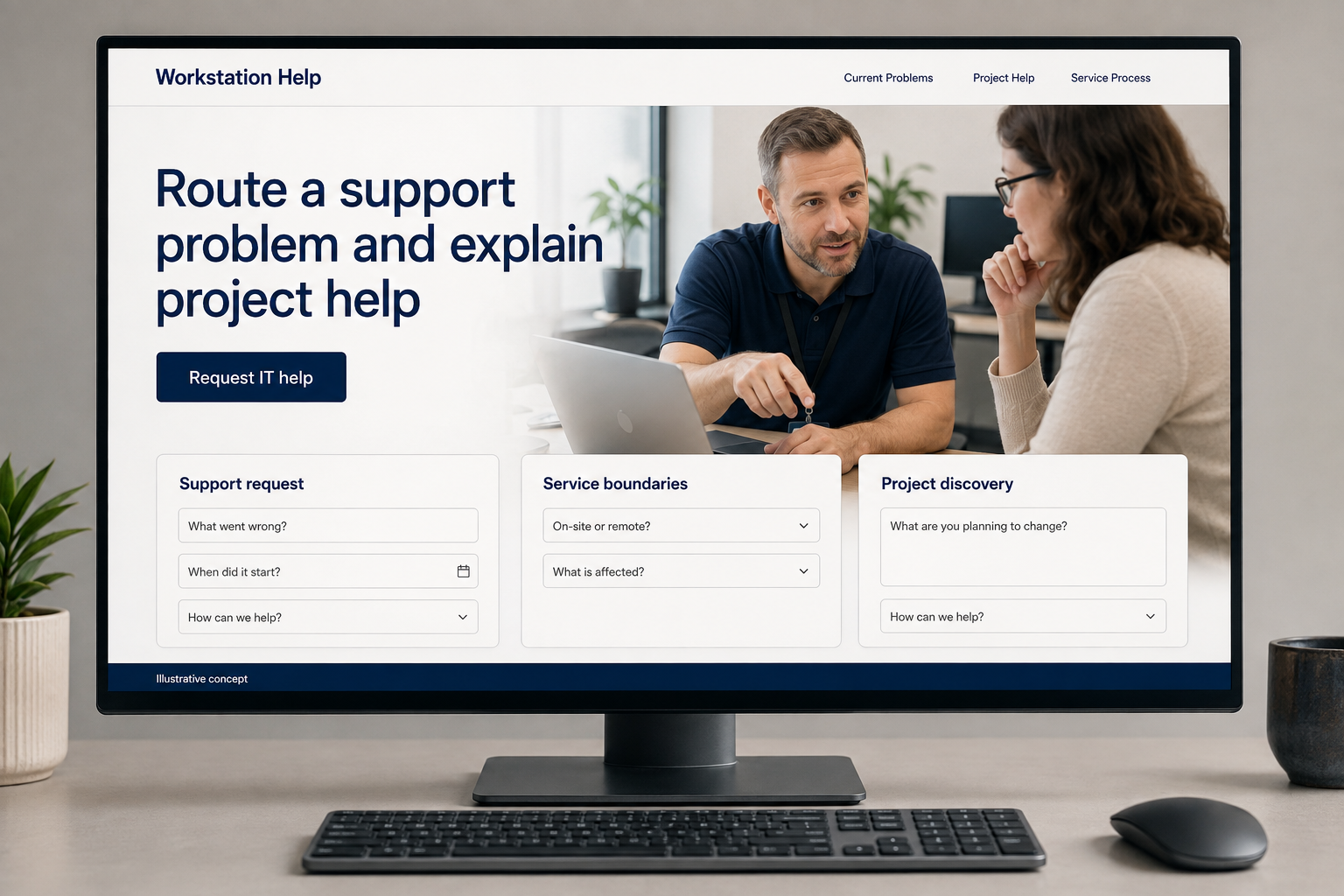
Explore support request, service boundaries, and project discovery.
The main action is “Request IT help”. Supporting sections cover Support request, Service boundaries, Project discovery.

A support customer can usually describe what went wrong even when they cannot name the cause. An IT-support website should make that enough to start. Give a current fault and a planned technology change separate routes, explain whether help is remote or on site, and ask for useful symptoms without collecting passwords or making an unconfirmed promise of immediate resolution.
Separate a current fault from a planned project
An IT support visitor may need help with a computer issue or want to discuss a defined change. Put those routes in plain language and state the devices, systems, and customer types the business actually supports. Avoid promising instant resolution. A concise first page should explain how to request help and how availability is confirmed, without forcing someone to describe a technical diagnosis before the support team can understand the problem they are trying to address.
Describe the support engagement itself
Explain how intake, assessment, proposed work, and approval are handled for individual requests. State whether remote and on site help are offered and how each begins. Keep charges and service boundaries consistent with the actual business policy. Customers comparing providers need to know whether they are requesting a one time task or entering an ongoing arrangement. A readable process is more useful than a list of software logos that does not explain what help is available for a specific issue.
Collect symptoms without collecting secrets
Ask about the device or system in broad terms, the issue observed, location if a visit may be needed, and the preferred contact route. Do not ask for passwords, access tokens, or confidential files in a public form. Explain how any later remote session is arranged through the actual support process. The confirmation should identify the next contact step and avoid implying a technician has already connected or accepted the job merely because the inquiry was sent.
Measure requests that match the offered help
Track inquiries by issue category and customer type, then review which become suitable jobs. If visitors often expect ongoing monitoring that is not part of a one time service, make that distinction clearer. Useful content can explain how to describe an error or gather non sensitive device information for a support request. Link it to intake. Judge acquisition by appropriate work and better first conversations rather than attracting broad troubleshooting traffic with instructions that do not lead to the services offered.
Before you launch
- Separate fault intake from planned project inquiries.
- Ask for symptoms without requiring a technical diagnosis.
- Exclude password and access-token fields from public forms.
- Explain how a later remote session is arranged.
Should an IT-support form ask customers to upload their files?
An initial request usually needs a description of the problem and broad device or system details, not confidential documents. If files become necessary, arrange an appropriate channel after the team understands the task. The form should also make clear that customers must not submit passwords or access tokens as troubleshooting information.