

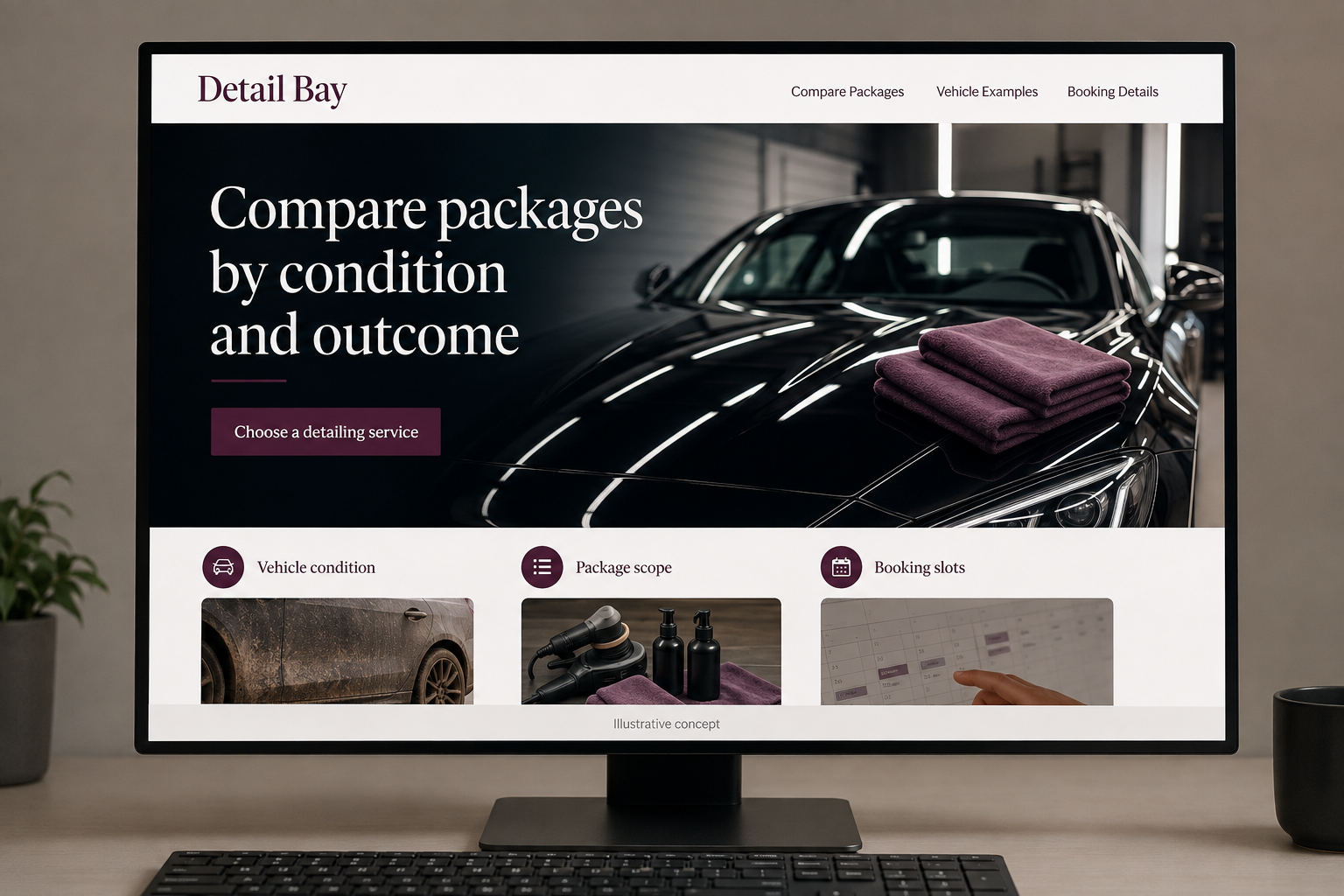
Explore this layout
Compare packages by condition and outcome
Explore vehicle condition, package scope, and booking slots.
The main action is “Choose a detailing service”. Supporting sections cover Vehicle condition, Package scope, Booking slots.
Detailing packages can sound different while leaving customers unsure what changes between them. Describe the actual work, the condition it is intended to address, and the way pricing is confirmed. A useful website helps a driver select a suitable service and share relevant vehicle details before arriving with expectations based only on a dramatic photograph.
Compare packages by what is actually done
A detailing customer needs to know how packages differ beyond names such as premium or deluxe. List the surfaces and tasks included, explain the starting condition each service is intended to address, and separate optional work. Avoid promising that every mark can be removed. A readable comparison helps customers choose a conversation or booking option without assuming the highest priced package automatically includes every treatment shown elsewhere in a photo gallery on the website.
Use honest examples of condition and scope
Show before and after images with consistent presentation and captions describing the service performed. Do not turn an unusually successful result into a blanket promise. Explain how vehicle size, condition, and requested work affect the estimate and appointment length. If mobile service is offered, describe the practical site arrangements the business discusses. Customers should know whether their location and vehicle fit the service before they reserve time or expect the team to arrive with equipment.
Make booking details match the chosen package
Carry the selected package into the form, then ask for vehicle type, the main concern, and any relevant condition notes. Optional photos can help the business review a special request. Explain whether the displayed price is final or subject to a stated review. Keep desired dates separate from confirmed slots unless live scheduling supports them. A mobile visitor should be able to compare packages again without losing the details they have already entered.
Track package fit after the booking
Review which pages produce suitable appointments and which lead to scope changes on arrival. If people repeatedly expect upholstery work or surface correction in a basic service, rewrite the comparison. Useful content can explain how to describe vehicle condition for a quote or choose between the actual packages offered. Link it to booking. Measure fewer surprises and better matched appointments rather than treating every image view or social click as evidence that the package information is clear.
Before you launch
- Compare actual package tasks
- Carry package choice into booking
- Explain condition review
- Label example results honestly
How should a detailing site handle unusual vehicle condition?
Give customers a place to describe the concern and optionally provide photos before booking. Explain whether the service or price needs review. This lets the business discuss fit and scope without assuming that a standard package covers every condition or promising an identical result to the vehicle pictured in its gallery.