

Make your plan for festival day Explore the program, find the stages, and check the practical details before you arrive. The main action is “Explore the program”. Supporting sections cover Choose a day, Find each stage, Participation applications.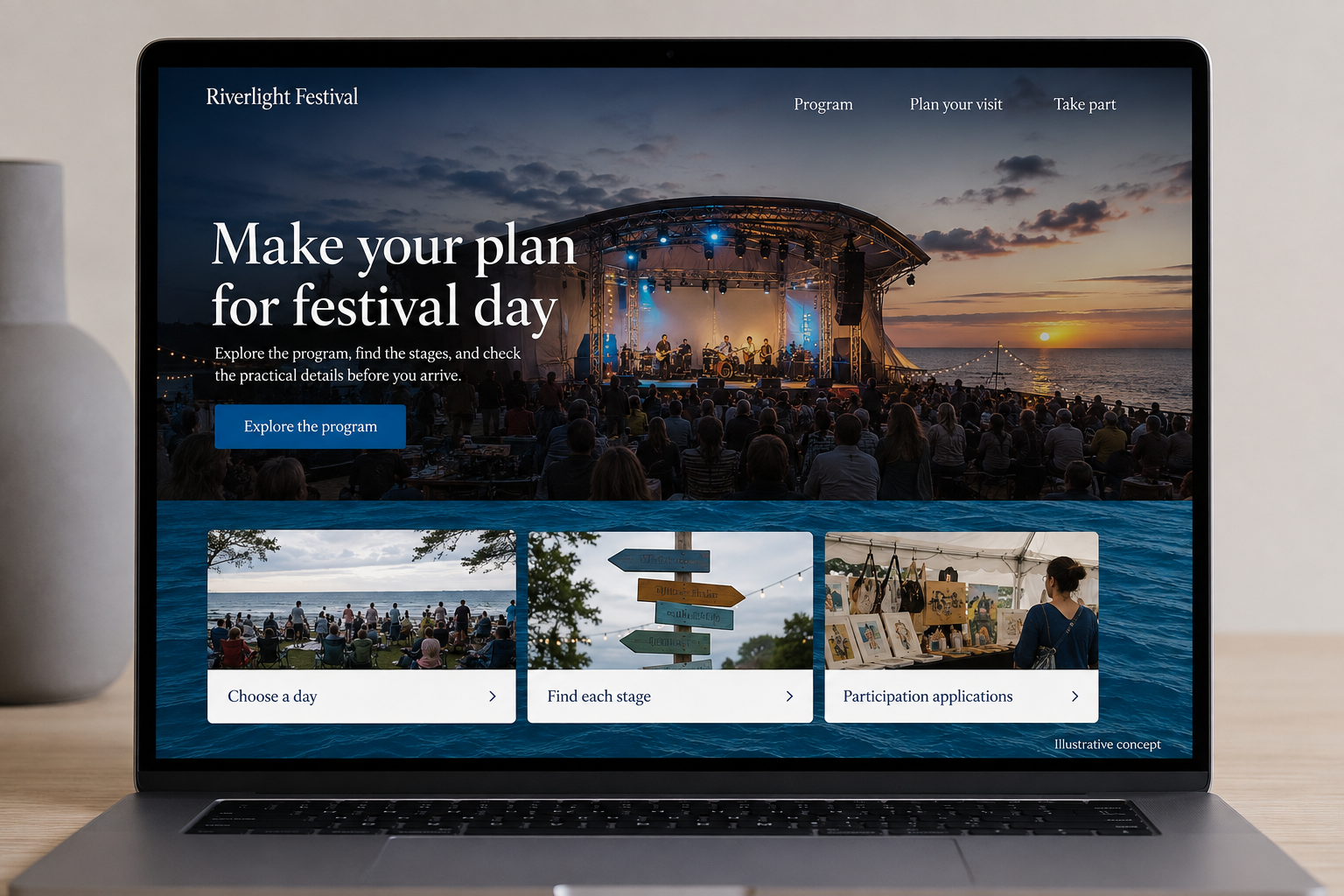
Explore this layout

A festival website becomes a planning tool long before the first performance begins. Visitors need to choose a day, understand where activities happen, and arrange tickets or travel. Vendors and performers need different participation information. The site should bring those journeys together without mixing them, and it must be easy to update when a time, location, or practical arrangement changes.
Make the program useful by time and place
Publish the schedule with dates, start times, stages or locations, and descriptions that help visitors choose. Distinguish announced acts from a complete program if planning is still underway. Use readable text alongside any downloadable timetable and make changes visible. A festival map should connect location names to the schedule, with text alternatives for key destinations. People using a phone on the day need a clear route to the next activity, not only a poster image.
Explain the visitor commitment
State whether admission is free, ticketed, or mixed, and identify activities requiring separate reservations. Show ticket inclusions and the selected day before checkout. Keep arrival, transport, access, and facility information accurate and linked to maintained sources where appropriate. Avoid implying that every attraction is included in a general pass. Visitors planning for a group need enough practical information to understand costs, timing, and the arrangements that affect their experience.
Separate participation applications
Give vendors, performers, volunteers, and other participants distinct routes where the requirements differ. Explain application dates, requested information, and the review process using the organizer's actual arrangements. A submission should not imply acceptance or a reserved pitch. Keep confirmed-participant updates separate from new applications so important operational changes reach the right team. Clear forms help organizers manage the event without losing a schedule question inside a general inbox full of unrelated requests.
Plan for updates and the following year
Assign responsibility for schedule changes and urgent notices, with a simple publishing route the team can use during the event. Keep previous editions clearly dated and direct visitors to the current festival. Measure ticket completion, schedule use, participant applications, and practical information searches separately. Afterward, review the questions staff answered repeatedly. Those findings can improve the next edition's map and visitor pages more effectively than repeating the same promotional copy with a new year in the title.
Before you launch
- Connect schedule locations to the map
- Identify separately booked activities
- Separate applications from participant updates
- Mark previous festival editions clearly
Should the whole festival schedule be one poster download?
A poster is useful for sharing, but the schedule should also be readable on the website. Text entries are easier to update, search, and use on a phone. Keep the downloadable version dated so visitors can recognize when a change has made an earlier copy outdated.