

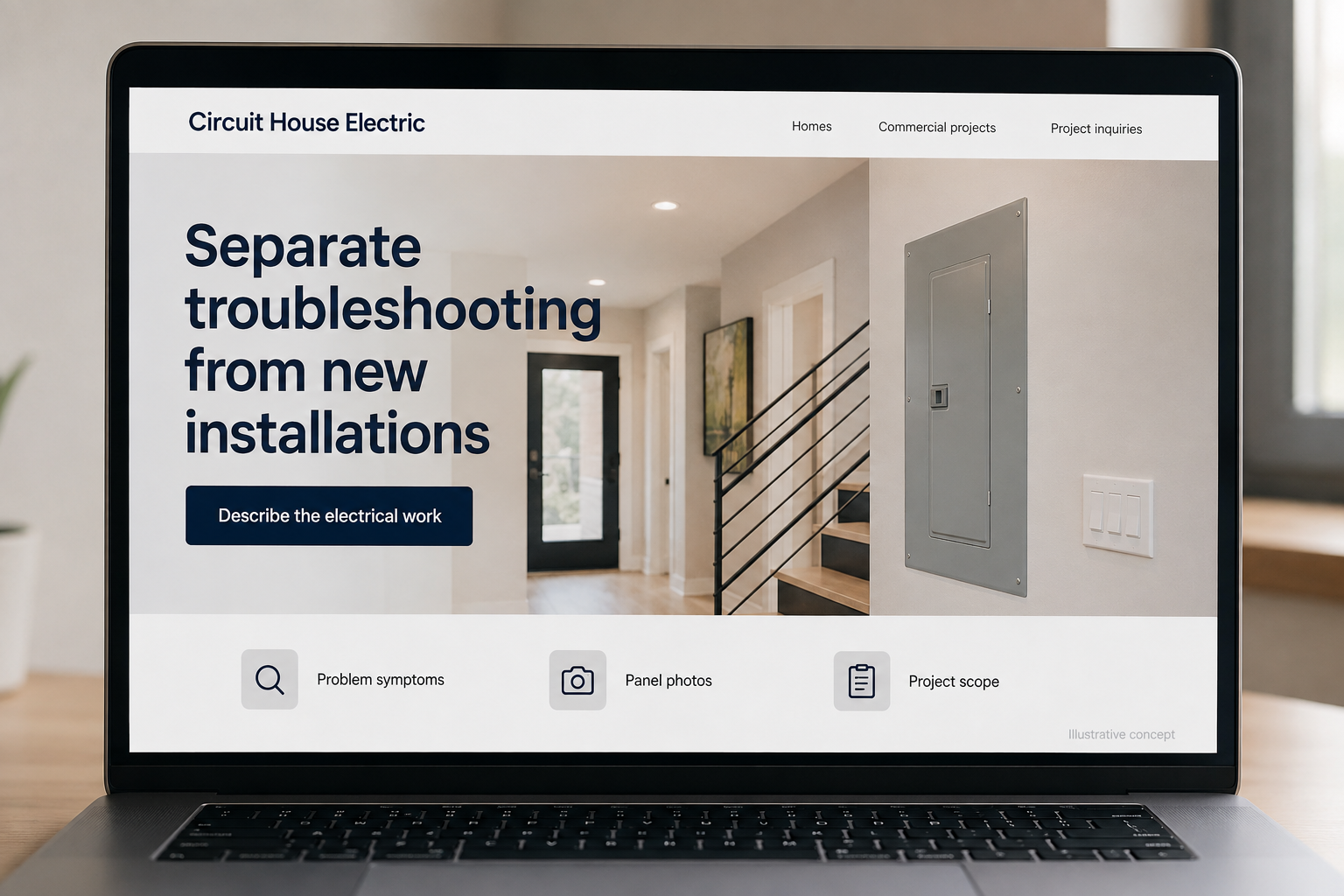
Explore this layout
Separate troubleshooting from new installations
Explore problem symptoms, panel photos, and project scope.
The main action is “Describe the electrical work”. Supporting sections cover Problem symptoms, Panel photos, Project scope.

An electrical contractor may receive a small household service request and a commercial project inquiry on the same morning. The website should help each visitor supply the right context. Organize the work by the jobs you accept, explain how requests are assessed, and show relevant project experience without turning the page into technical instructions for someone who simply needs professional help.
Make room for symptoms and defined projects
Some visitors know they need new lighting; others only know that something is not working as expected. Let the website accept both starting points. Show separate routes for service calls, renovation work, and commercial projects if those are offered. Avoid diagnostic quizzes that imply a remote answer. A plain description of what information helps the electrician prepare is more useful than a long list of technical terms.
Explain the scope around the visible fixture
A customer may think about the light or outlet they want, while the contractor needs to understand the building and existing system. Service pages can explain that context without giving electrical repair instructions. Describe how a site review, equipment information, and the planned use affect the proposal. For larger projects, show the documents the team can review and identify whether the company works directly with owners or alongside other contractors.
Collect project details without creating a barrier
Ask for property type, location, the desired work, and whether the request relates to a current problem or a planned change. Make equipment photos optional and ask only for images the customer can take safely. Do not request sensitive building access details in a public inquiry. A clear confirmation should tell the visitor who will contact them and whether the request still needs to be scheduled by the office.
Measure fit by the work you want to win
An electrical contractor seeking commercial fit outs should not judge its website solely by household service calls. Track inquiries by project category and compare them with accepted work. Use real project descriptions to show experience with the types of sites and tasks offered. When visitors ask for unsupported services, revise navigation and scope language. The goal is a better matched first conversation, with less time spent redirecting the wrong requests.
Before you launch
- Separate residential service from commercial project inquiries.
- Ask for project location and the desired outcome.
- Identify the scope your team handled in each project example.
- Explain when photographs or project documents would be useful.
How much technical information should the contact form request?
Ask for information a customer can reasonably provide: the property, the intended change, the timing, and existing documents if available. Let technical details be optional. A visitor should be able to request a conversation without identifying equipment they do not understand or inspecting anything to complete a required field.