

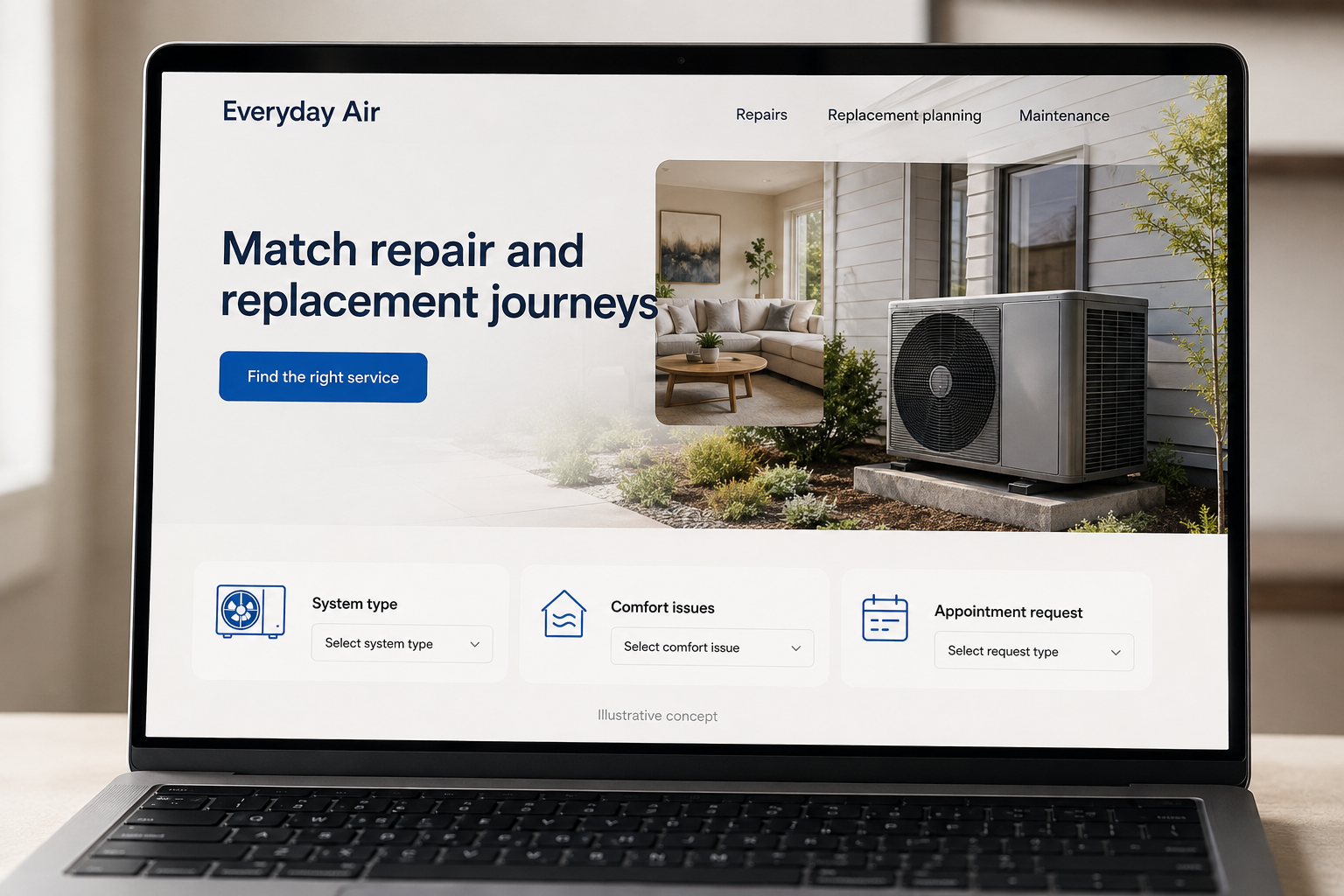
Explore this layout
Match repair and replacement journeys
Explore system type, comfort issues, and appointment request.
The main action is “Find the right service”. Supporting sections cover System type, Comfort issues, Appointment request.
A visitor with a failed air conditioner has a different task from a property owner comparing replacement systems. An HVAC website should provide a quick route for the first person and a considered planning path for the second. Explain the service area, how requests are handled, and what happens during an assessment before filling the screen with equipment names and product badges.
Distinguish a repair request from a buying decision
Someone with an uncomfortable room may need a service visit, while someone replacing a system needs to compare options. Put both journeys in the main navigation. State real hours and coverage, and avoid an appointment interface that implies immediate availability when the office still needs to confirm. A homeowner should be able to describe the issue in ordinary terms without knowing the exact name of every component in the system.
Build replacement pages around comfort needs
Explain the questions discussed before a replacement recommendation: which spaces are uncomfortable, how the building is used, what equipment is present, and what the customer wants to improve. Do not present one unit as a universal solution. If maintenance plans are offered, give them a separate page with the actual visit scope and exclusions. Equipment names can support the explanation, but should not replace a readable account of the service.
Make booking details easy to provide
Useful fields include the service address, system type when known, a short description of the concern, and preferred contact times. Let visitors choose that they are unsure about equipment details. A model label photo can be optional. Explain whether the requested visit is diagnostic, routine maintenance, or a sales assessment. This small distinction helps customers understand what they are asking for and helps the office route the request correctly.
Improve pages from completed service outcomes
Track which HVAC pages lead to booked visits and which inquiries cannot be served. Ask the office to note recurring misunderstandings about maintenance plans or replacement estimates. Update those explanations close to the relevant action. Content about preparing for an appointment or comparing a repair conversation with a replacement assessment can support customer acquisition when it answers a real question and leads to the appropriate next step on the website.
Before you launch
- Keep repair requests separate from replacement consultations.
- Check that service-area information appears near the main action.
- Explain what happens after a maintenance request is submitted.
- Allow equipment details to be unknown on the inquiry form.
Should equipment models be the main navigation?
Most visitors arrive with a need, such as a repair, a more comfortable room, or a replacement discussion. Start with those tasks and introduce equipment information within them. A model catalog can support a later comparison, but it should not be the only way to reach the team.