

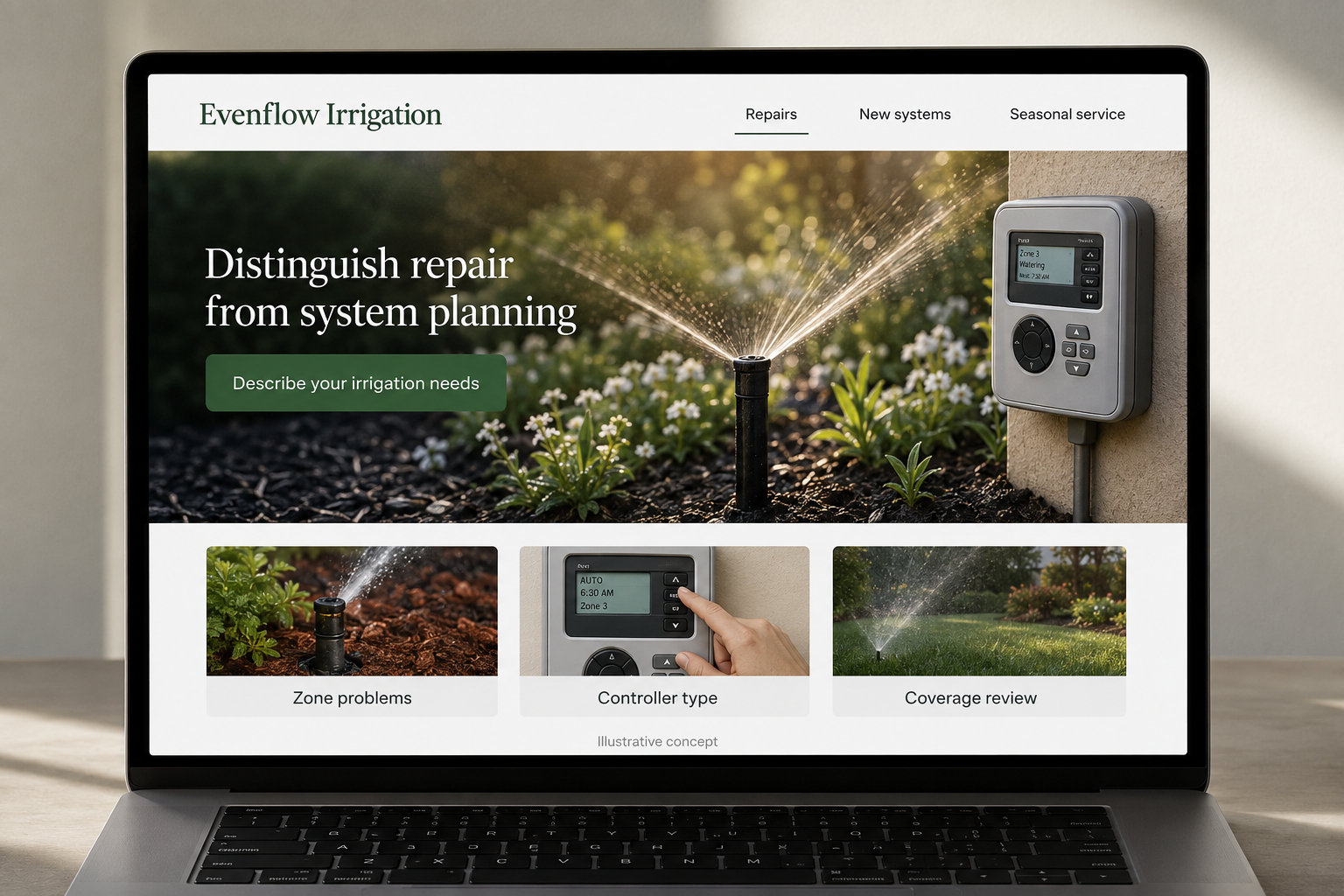
Explore this layout
Distinguish repair from system planning
Explore zone problems, controller type, and coverage review.
The main action is “Describe your irrigation needs”. Supporting sections cover Zone problems, Controller type, Coverage review.

A broken sprinkler and a new garden irrigation layout lead to different service visits. Make those paths clear on the website, alongside seasonal work you actually provide. Customers should be able to explain the affected area, the existing equipment if known, and the result they want. That information is usually more useful at the first inquiry than a forced choice between unfamiliar component names.
Separate an irrigation fault from a new layout
A customer with one dry patch has a different question from someone planning a whole garden system. Give repair, seasonal service, and new installation distinct pages where offered. Ask visitors to describe what they observe without the site declaring the cause. A simple diagram can explain zones and controllers as vocabulary for a conversation. It should help customers recognize the parts being discussed rather than instruct them to alter the system themselves.
Explain the review before recommending equipment
For a new project, describe how the team discusses planted areas, intended use, and the site. For repairs, explain what information about the current system helps prepare a visit. Keep equipment brands in context and avoid claiming that one controller will suit every property. A customer should understand whether the appointment is for troubleshooting, planning, or routine care and what the business can confirm only after reviewing the existing installation.
Ask for the system details people can find
Useful form fields include location, the concern, known controller information, and which areas are affected. Let visitors select that they are unsure. A photo of an accessible controller can be optional. Keep urgent contact details visible without making every issue sound like an emergency. Explain how a requested visit becomes a confirmed appointment and whether new installation inquiries follow a separate planning process before a price can be discussed properly.
Track which service explanations reduce confusion
Compare inquiries from repair and installation pages with the work actually scheduled. If people repeatedly expect landscape redesign as part of a repair call, adjust the scope language. A guide to describing uneven coverage can support a service request without offering a remote diagnosis. Link it to the appropriate page and measure useful bookings. Review the form with the people receiving it so the questions reflect the information they actually need to prepare.
Before you launch
- Separate system repairs from new installation inquiries.
- Let customers describe a controller without knowing its model.
- Explain which seasonal services are currently offered.
- Ask whether the work concerns an existing or redesigned landscape.
Do we need a catalog of irrigation parts on the website?
Only if selling parts is an actual service you can support. For an installation or repair business, customers often need help with the system as a whole. Clear service descriptions, an assessment route, and optional photographs can be more useful than asking them to identify and select a component.