

Show what a pickup can include Explore item photos, access details, and volume estimate. The main action is “Describe your pickup”. Supporting sections cover Item photos, Access details, Volume estimate.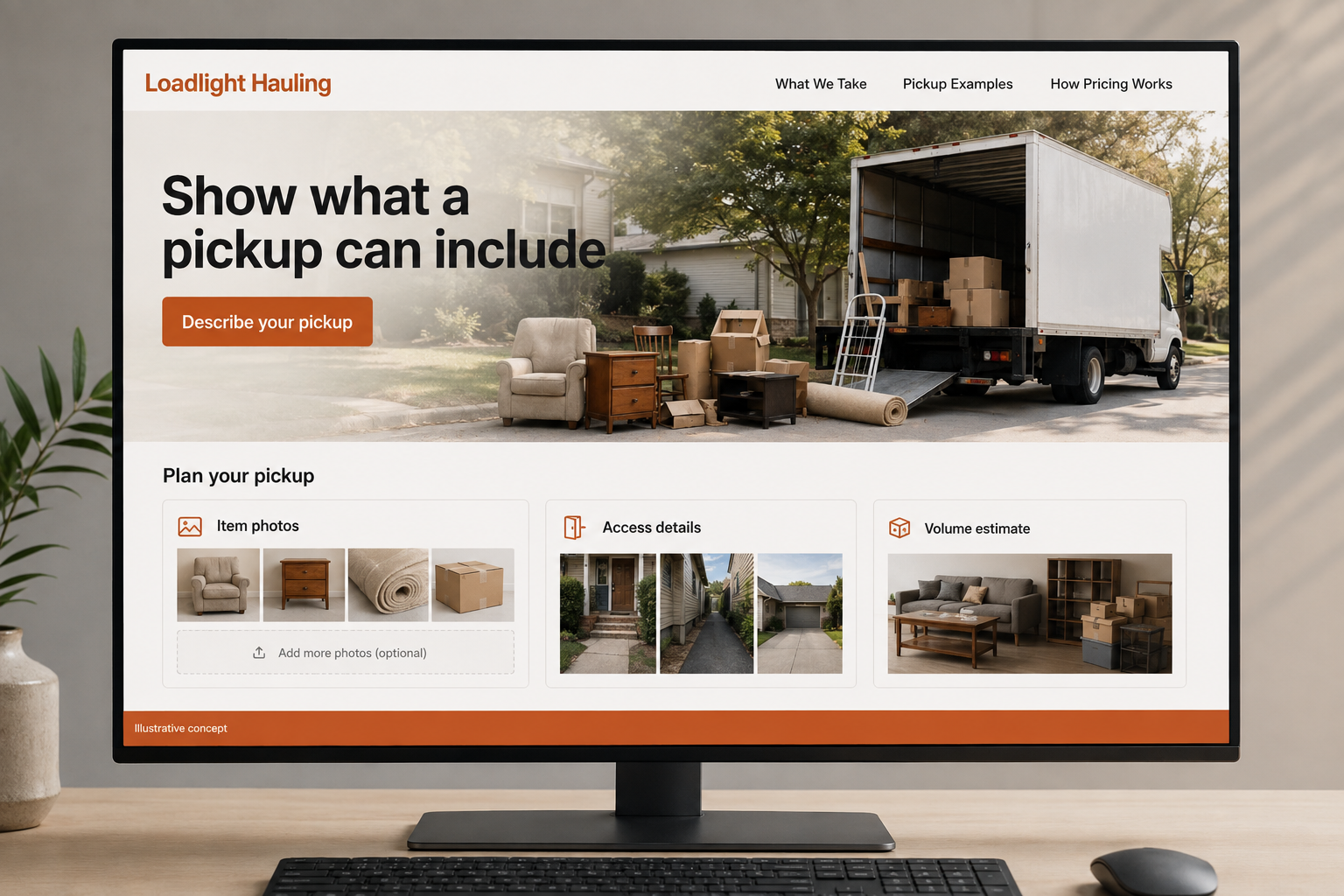
Explore this layout
Junk removal customers often have a pile of items and a few practical uncertainties: what can be taken, how access affects the job, and when the price is confirmed. Build the website around those questions. A clear item list and optional photos can turn a vague request into a useful pickup discussion without asking the customer to reorganize everything first.
Help people estimate the pickup they need
A customer clearing one bulky item has a different question from someone emptying several rooms. Show the types of pickups the business accepts and how estimates are approached. State excluded materials plainly using the company’s actual policy. Photos of representative loads can be useful if labeled as examples rather than fixed prices for every situation. The visitor should understand which details affect the quote before trying to compare a single headline price across providers.
Explain access and handling before the visit
Describe how stairs, distance from parking, disassembly, and the location of items are discussed. Avoid implying that every item can be taken from any position without review. If sorting or donation is part of the service, describe the real process without guaranteeing a destination for every object. A clear scope page helps customers prepare questions and keeps the pickup conversation focused on the actual items and site conditions rather than assumptions.
Let photos do useful work in the inquiry
Ask for location, a short item list, access details, and preferred timing. Optional photos can make an estimate discussion more accurate without forcing the customer to move everything first. Separate a quote request from a confirmed pickup. If the company offers on site pricing, explain when the customer sees and accepts the price. Give visitors an easy way to add an item or correct their description before the team arrives for the appointment.
Use accepted jobs to refine the website
Track requests by pickup type and the reasons jobs cannot be accepted. If customers regularly ask about excluded materials, move that information closer to the form. Helpful content can explain how to photograph a room or list bulky items for a quote. Link it to the inquiry. Measure suitable bookings and fewer surprises at arrival, rather than publishing a large set of pages that repeat the same promise to remove absolutely everything from any property.
Before you launch
- Publish accepted and excluded items
- Ask about stairs and parking
- Explain when pricing is accepted
- Allow changes to the item list
Are load photos enough to confirm a pickup price?
They can help the business review volume and item types, but the website should explain its actual pricing process. Access and the final item list may still need discussion. Label a photo based response accurately and tell customers when they see and accept the price for the proposed work.