

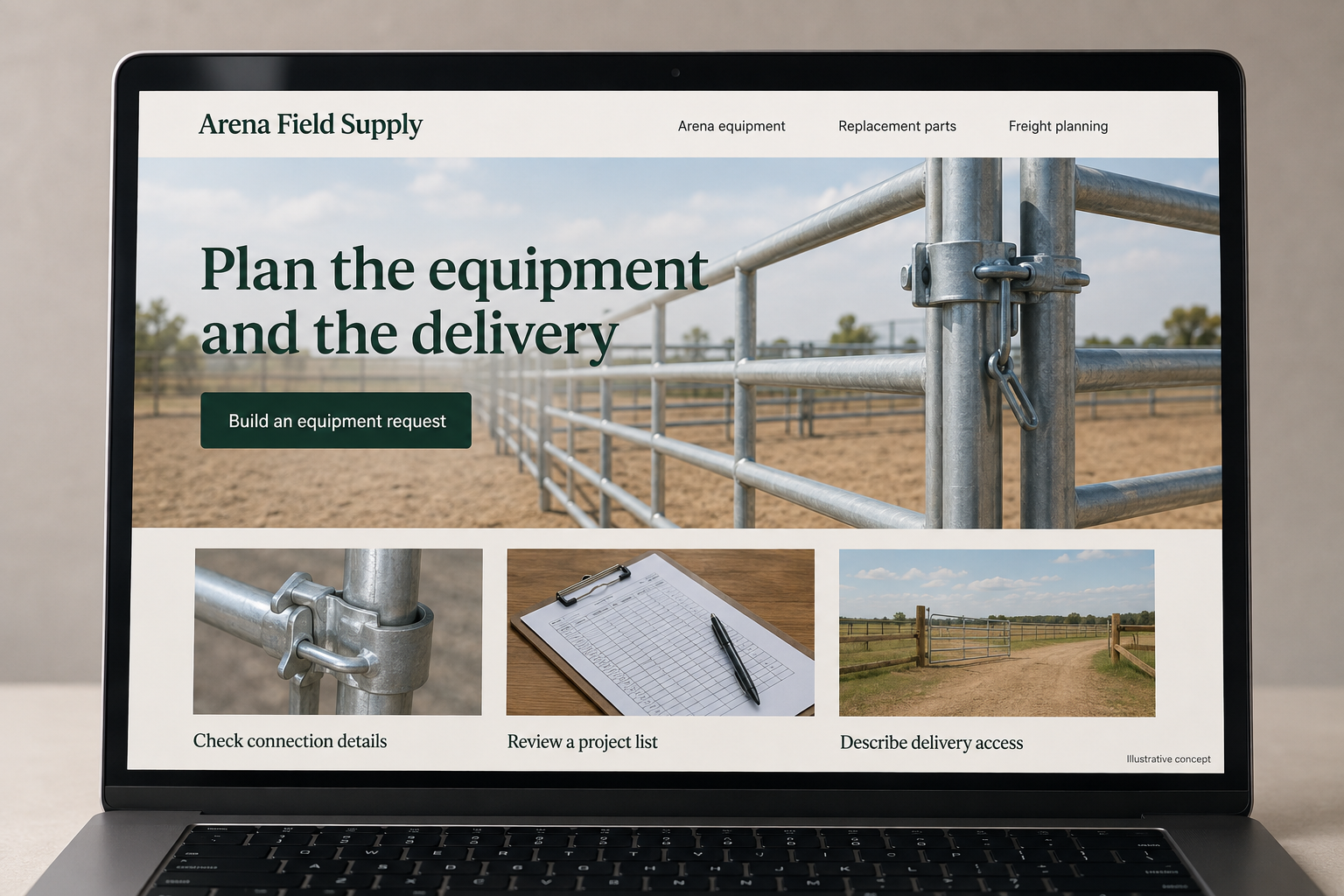
Explore this layout
Plan the equipment and the delivery
Compare specifications, build a project list, and share the details behind a quote.
The main action is “Build an equipment request”. Supporting sections cover Check connection details, Review a project list, Describe delivery access.

A small replacement component and a large arena-maintenance implement should not follow an identical checkout path. A hypothetical Oklahoma equestrian supplier can make its online store more useful by separating parcel purchases from equipment that needs freight planning or a quote. Buyers should understand compatibility and delivery requirements before spending time assembling a large order.
Organize equipment around the intended work
Offer categories based on the maintenance tasks the supplier’s catalog actually addresses. Show the equipment’s dimensions, connection requirements, and supported use from the manufacturer’s documentation. If compatibility depends on existing machinery, ask for its relevant details and provide a review route. Avoid treating a broad machine category as proof of fit. Close photographs of attachment points can answer a more practical question than a distant image of equipment working in a large arena.
Ask about delivery access at the right moment
For freight items, explain the information needed to estimate delivery, such as destination type and unloading arrangements supported by the carrier. Keep the questions tied to the actual shipment instead of presenting a generic form full of irrelevant fields. Mark a freight estimate as an estimate until the business confirms it. A customer should not reach the payment screen believing a bulky implement uses the same delivery service as a small parcel.
Make project lists easy to review
Allow buyers to collect equipment, compatible accessories, and replacement parts in a list that shows quantities and availability. Separate optional additions from required components. If a package includes items with different fulfillment routes, explain how the order will be handled. A downloadable summary can support a discussion with a colleague or the supplier. Keep product codes in the summary so a revised quote can be matched to the original request without ambiguity.
Build content that improves quote quality
A buying guide can explain which measurements and existing-equipment details the supplier needs before recommending a catalog item. Use labeled examples and avoid making universal claims about surface treatment or machinery performance. Link to the appropriate request form with the chosen product already identified. Measure how many inquiries arrive with enough information for a useful response. If a particular detail is missing repeatedly, improve the prompt and illustration instead of lengthening the entire form.
Before you launch
- Label freight items before add to cart.
- Photograph attachment points with clear identifiers.
- Separate required and optional project components.
- Carry product codes into quote summaries.
Should bulky equipment display an add-to-cart button?
It can when the item and delivery arrangements can be defined reliably. If compatibility, unloading, or freight cost still needs review, a quote request may better match the purchase. State what remains to be confirmed and let the customer save the chosen equipment so the next conversation starts with a useful list.