

Find the week that fits your family Compare sessions, explore a sample day, and understand the steps for joining camp. The main action is “Explore camp sessions”. Supporting sections cover Choose dates and ages, What's included, Before camp begins.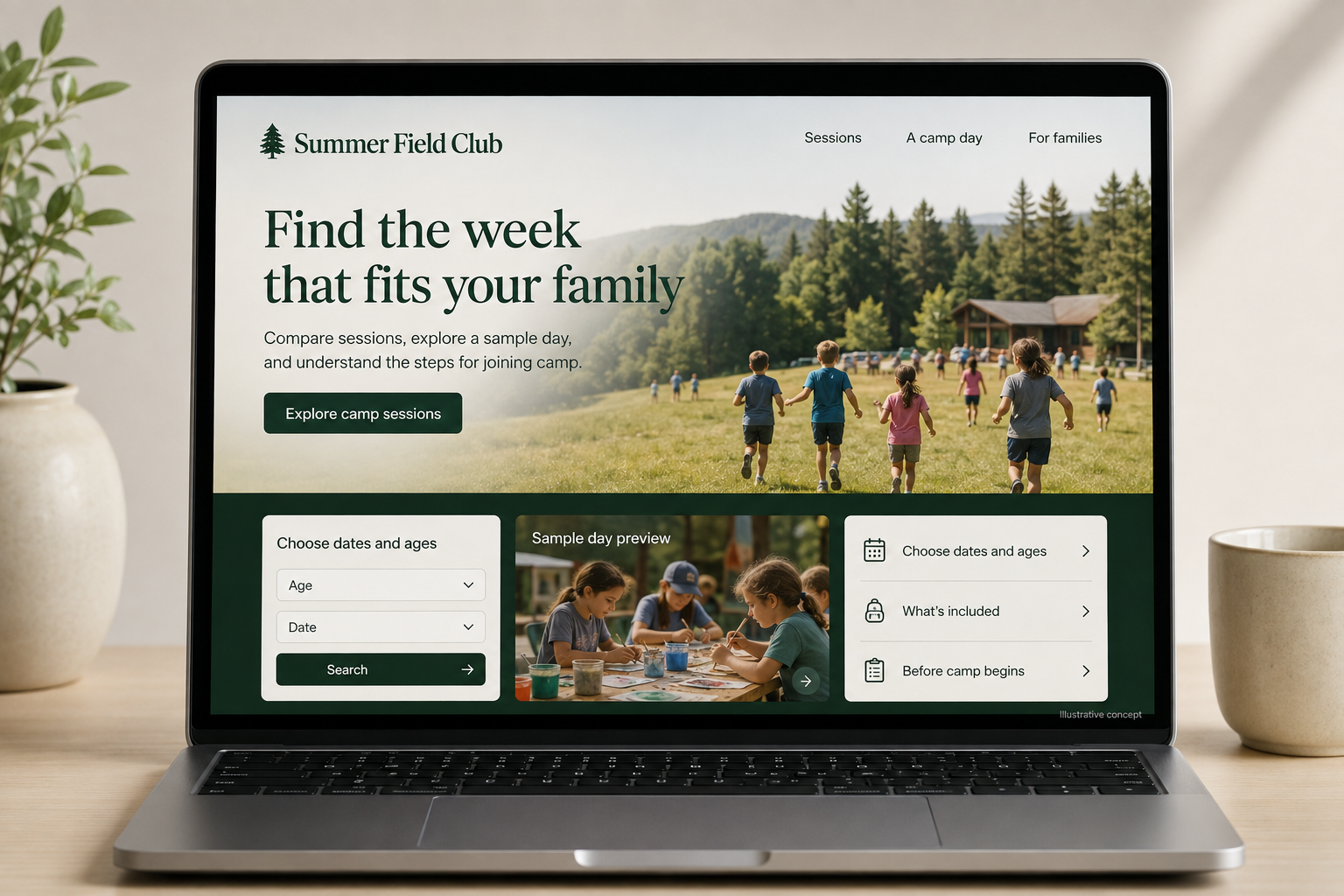
Explore this layout

Families comparing camps are planning much more than an activity. They need to coordinate dates, transport, daily hours, and a child's interests. A useful camp website brings those details together without burying them beneath a highlight reel. It should help families understand the ordinary day as well as the special moments, then explain exactly what submitting a registration does and what remains to be arranged.
Make sessions easy to compare
Show each session's dates, age range, location, and main activities in a consistent format. Distinguish day programs from overnight stays and explain meaningful differences between age groups. If a theme changes while the core routine stays the same, make that clear. Avoid using different names to disguise identical options. Families need to see whether a session fits their calendar and interests before they begin a registration form or create an account.
Describe everyday camp life
Provide a sample day labeled as illustrative, with arrival, activities, meals, breaks, and collection or evening arrangements as relevant. Explain what campers bring and what is supplied. Use accurate photographs with appropriate permission. Give individual participation questions a clear contact route rather than claiming every activity suits every child. Practical detail helps families discuss the experience at home and decide whether they need a further conversation with the camp team before applying.
Separate registration stages clearly
Explain whether a form requests a place, joins a waiting list, or confirms enrollment with payment. Show actual fees and inclusions, along with the camp's current change arrangements. Collect only appropriate initial details, using the established private process for later information that the camp needs. Repeat the selected session, dates, and location in confirmation. If siblings or multiple weeks are booked together, make each selection reviewable so families can catch a mismatch before submission.
Keep preparation information current
Create a maintained parent information page for packing, arrival, transport where offered, and communication arrangements. Link it from confirmation messages rather than attaching several competing versions of the same document. Measure suitable registrations and questions about dates, hours, or inclusions. Review why families change sessions after booking. A clearer comparison or daily timetable can often solve those problems more effectively than publishing more broad content about an unforgettable summer.
Before you launch
- Show exact dates and daily hours
- Label sample-day schedules
- Explain waiting-list status
- Repeat every child's selected session clearly
Should all camp information sit in one downloadable handbook?
A handbook can be helpful, but essential dates, hours, fees, and registration steps should also be readable on the website. Keep the handbook version current and linked from a stable parent page. Families should not have to search a long document to compare two available sessions.