

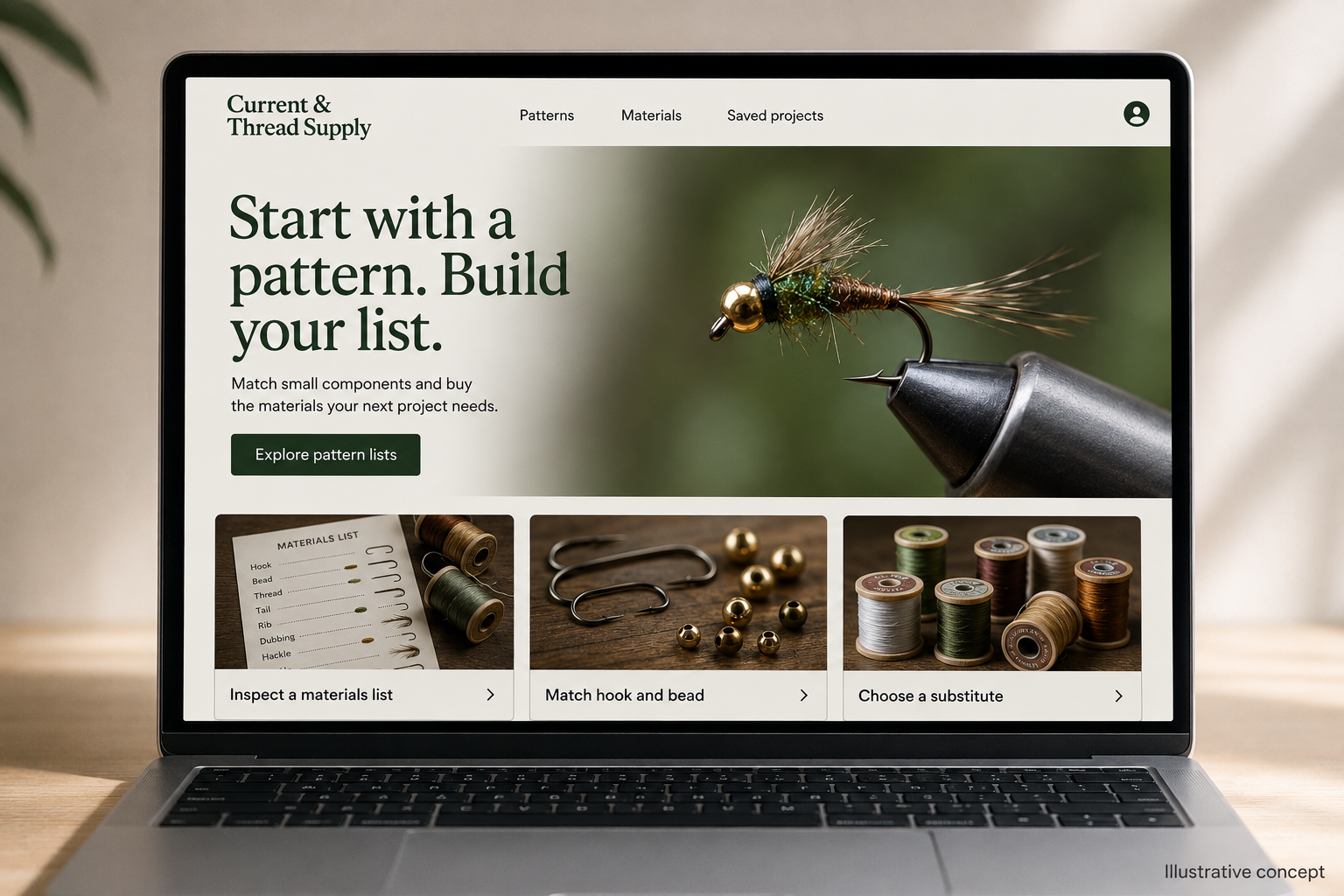
Explore this layout
Start with a pattern. Build your list.
Match small components and buy the materials your next project needs.
The main action is “Explore pattern lists”. Supporting sections cover Inspect a materials list, Match hook and bead, Choose a substitute.

A fly-tying shopper may arrive with a pattern name, a half-empty materials drawer, or a photograph of the next project. A hypothetical Idaho supplier can serve all three by connecting recipes to clearly specified components. The store should help customers build a usable materials list without assuming that similarly named hooks, beads, and threads will work together.
Make a pattern page a working list
Give each featured pattern a materials table with the required component, the chosen example product, and the relevant size or color. Let buyers select only the items missing from their drawer. State the quantity supplied in each pack and avoid suggesting that pack count equals the number of finished flies without checking the whole recipe. A photograph of the finished example helps explain the project, while step images clarify unfamiliar material names.
Keep component measurements consistent
Product cards should display the key specification that distinguishes one variation from another. For hooks, beads, or similar components, use the manufacturer’s sizing information and explain which measurements matter for the illustrated pattern. Show close photographs against a scale reference where practical. Preserve the selected size when a customer returns from an explanatory guide. Losing a carefully chosen variation during navigation is particularly frustrating in a basket filled with many small items.
Explain substitutions as choices
When a material is unavailable, suggest an alternative only with a note about what changes in the example project. A different color may be cosmetic, while a different dimension can affect assembly. Keep the original specification visible so the buyer can make an informed decision. Offer a saved project list for waiting on one missing item instead of requiring an all-or-nothing bundle purchase or silently replacing a component in the cart.
Connect search questions to the project
Publish specific content about reading a pattern list, comparing material forms, or identifying the amount included in a package. Link each explanation to a relevant recipe and component category. Measure saved lists, completed component selections, and requests for substitution advice. A high number of small-item returns may point to unclear scale or pack-size photographs. Improving those details can be more useful than adding another broad article about outdoor recreation.
Before you launch
- Show pack quantity beside each variation.
- Keep selected sizes when readers open guides.
- Explain every suggested recipe substitution.
- Let shoppers remove materials they already own.
Should a pattern kit contain every available accessory?
A useful kit contains the materials needed for the stated example and clearly identifies tools the customer must supply. Optional accessories can remain separate. Allow experienced buyers to purchase missing components individually, since a complete materials drawer rarely needs another full set for every new pattern.