

Explore this layout
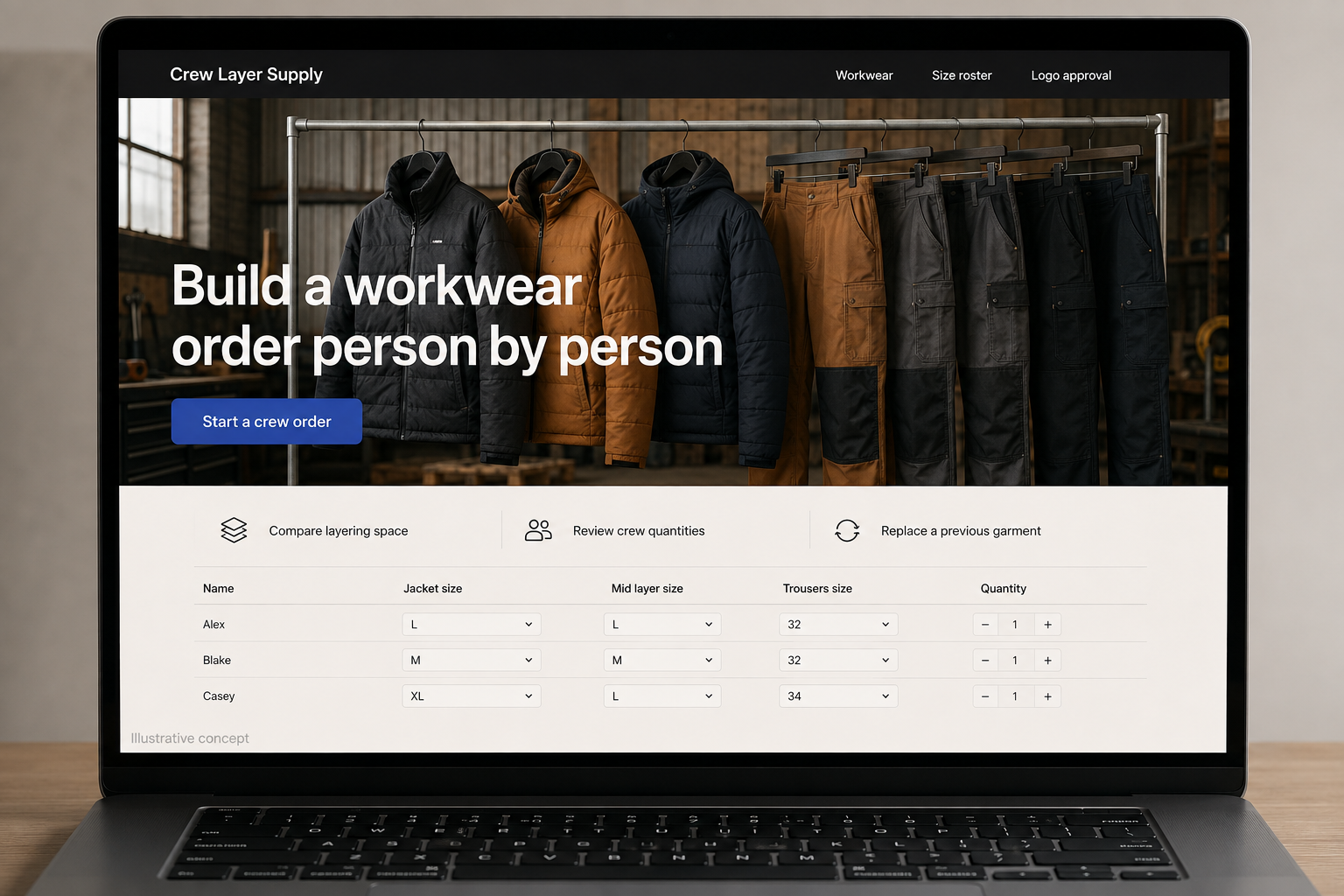
Build a workwear order person by person
Compare layers, collect sizes, and review the complete crew list.
The main action is “Start a crew order”. Supporting sections cover Compare layering space, Review crew quantities, Replace a previous garment.

Outfitting six people is not the same task as buying six identical jackets. A hypothetical North Dakota workwear retailer should help a small business collect sizes, compare garments, and build a reviewable crew order. The website can reduce back-and-forth by keeping each person’s choices organized while explaining how layering, personalization, and replacement purchases affect the order.
Show the space available for layers
Provide the manufacturer’s size information and finished-garment measurements where available, with clear labels for each. Demonstrate the fit over an identified example layer rather than relying on a broad “roomy” description. Explain the garment’s actual features and intended use using supported product information. If a workplace requires a particular specification, keep the documented standard visible and direct uncertain requests to review instead of implying that every work jacket meets every job requirement.
Collect the crew order without public exposure
A roster tool can assign an internal label to each wearer, record the chosen size and color, and total the required quantities. Keep personal details private and collect only what is needed to fulfill the order. Let an organizer review and edit the list before submission. A printable or downloadable summary can help obtain internal approval without requiring every employee to create a store account or email measurements independently.
Separate garment choice from logo approval
If the retailer offers decoration, show placement options, size limits, and the approval process it actually uses. Identify whether a screen preview is illustrative or the final proof. Keep the approved logo and garment combination attached to the order summary. Explain how personalization affects production timing and later changes. A team order should not enter an undefined work queue simply because the organizer uploaded an image and paid for the garments.
Make replacements easy to identify
Allow the organizer to revisit a previous crew order and choose one replacement garment with current availability and pricing. Flag changed colors, materials, or product versions rather than silently substituting a similar item. Guides comparing the store’s actual layers can bring relevant buyers into this workflow. Measure roster completion, proof revisions, and replacement-order questions. Those signals show whether the process is saving customers effort and making the final quantities more accurate.
Before you launch
- Label body and garment measurements separately.
- Keep crew roster details private.
- Require review of the complete size list.
- Flag changed product versions on replacement orders.
Does every crew member need a store account?
Usually the organizer can manage a private roster and review the combined order, provided the business’s process supports that arrangement. Individual accounts may help some teams, but they should solve a real need. A clear size summary and approval step are often more important than adding another login for each wearer.