

Explore this layout
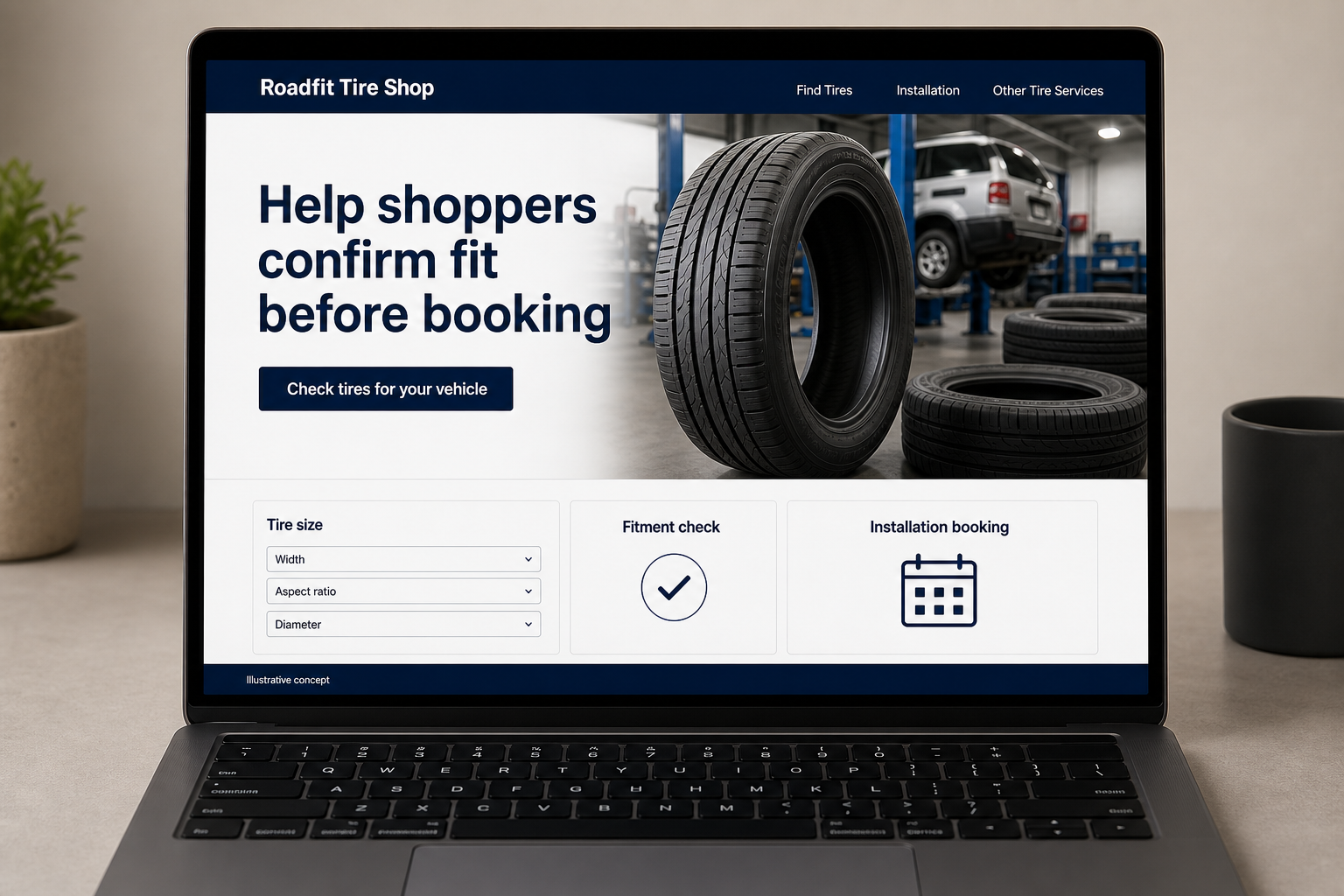
Help shoppers confirm fit before booking
Explore tire size, fitment check, and installation booking.
The main action is “Check tires for your vehicle”. Supporting sections cover Tire size, Fitment check, Installation booking.

A customer comparing tires needs more than a price beside a product photograph. They need to know whether the size is suitable, what installation includes, and when the shop can actually do the work. A tire-shop website should keep those decisions connected, carrying the chosen product into a booking request while leaving room for staff to confirm fitment and stock.
Start with fit instead of a wall of products
Tire shoppers may arrive with a size from the sidewall, vehicle details, or only a broad need. Provide those routes without claiming that a search result alone confirms fitment. Show the specifications associated with each actual product and explain how the shop checks suitability. A customer should be able to build a shortlist and understand the next step, rather than assume every tire shown for a vehicle can be installed without further review.
Keep the installed offer understandable
If prices are displayed, explain which installation tasks and actual charges are included. Distinguish product availability from appointment availability. Avoid presenting an old catalog item as in stock when inventory is not connected. A clear request button is better than an inaccurate purchase promise. Customers comparing shops need to see how the displayed tire price relates to the complete service they are asking about and which choices are confirmed before work is scheduled by the team.
Make the booking preserve the selection
Carry the tire or size being viewed into an inquiry, then ask for vehicle details, quantity, and preferred timing. Let visitors say they need help confirming the size. Do not require them to inspect a vehicle in an unsafe location. Explain who verifies stock and fitment. If the business offers repair or other tire services, give those a separate route so someone with a current concern is not forced through the product shopping flow first.
Use search behavior to improve the catalog
Review searches that return no useful result and calls asking about installation scope. Track product inquiries separately from accepted appointments and completed purchases. If customers repeatedly confuse a product listing with live stock, correct that label beside the action. Helpful content can explain which details to have ready when requesting a tire quote. Link it to the relevant search or service page, and judge success by suitable inquiries rather than the sheer size of the online catalog.
Before you launch
- Keep the selected tire size in the booking form.
- Show installation inclusions beside displayed prices.
- Label catalog availability separately from appointment openings.
- Offer a size-help route without requiring a product choice.
Should a tire search result count as confirmed fitment?
Treat the result according to what the search can actually verify. If the shop still needs vehicle or wheel details, explain that review before accepting an installation booking. Preserve the shopper’s selected size and product so staff can confirm the relevant information without asking them to start the search again.