

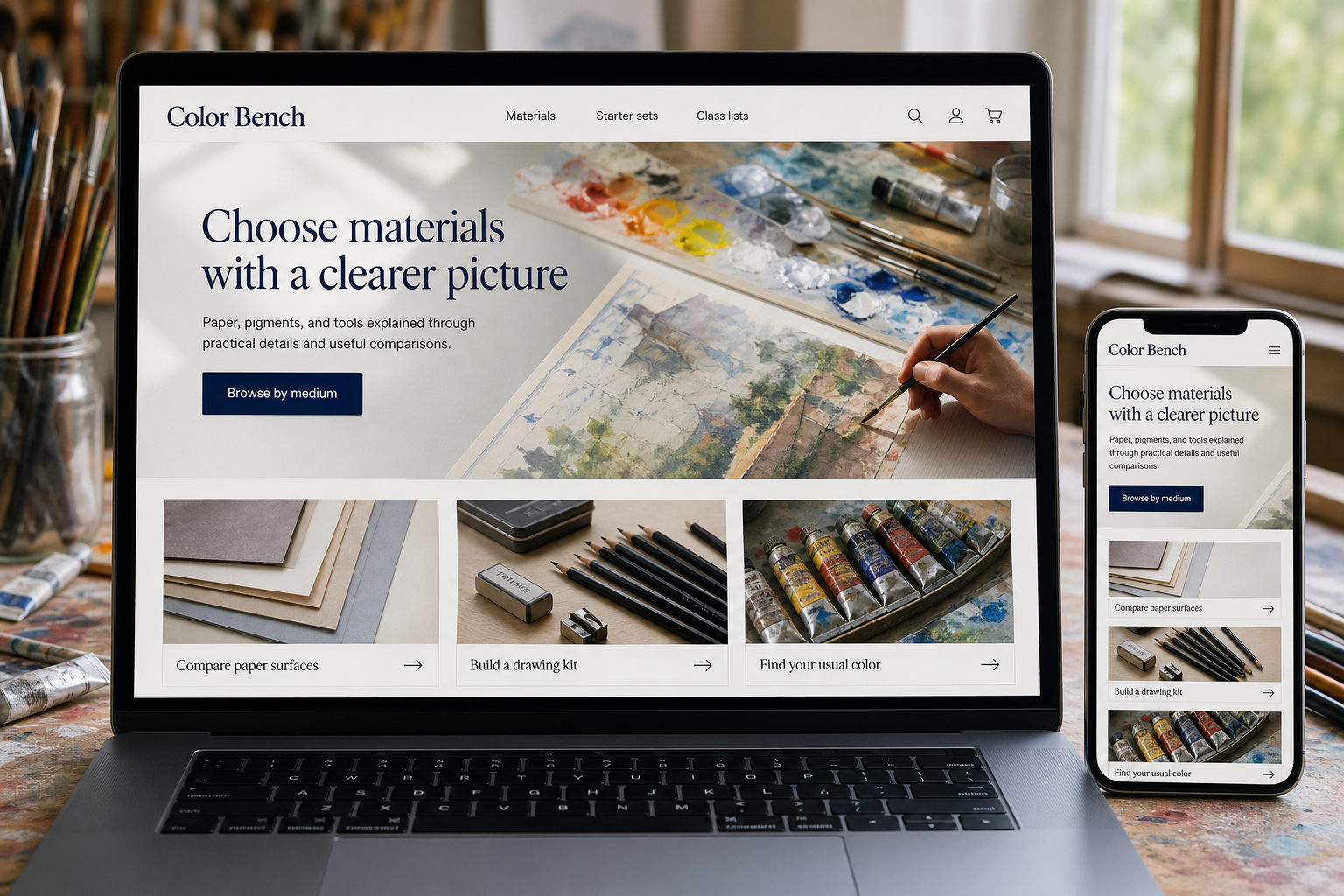
Explore this layout
Choose materials with a clearer picture
Paper, pigments, and tools explained through practical details and useful comparisons.
The main action is “Browse by medium”. Supporting sections cover Compare paper surfaces, Build a drawing kit, Find your usual color.

An artist replacing a familiar pigment wants precision. A beginner choosing materials for a first class needs explanation. An art supply website has to serve both without making either journey frustrating. Organizing the catalog around the way materials are used can help, especially when product names alone reveal little about surface, texture, quantity, or compatibility with other tools.
Keep each medium understandable
Build distinct routes for drawing, painting, printmaking, and other stocked media. Within a category, explain which attributes affect the work: a paper's surface and weight, a brush's shape and size, or the form in which a pigment is supplied. Preserve manufacturer product identifiers so experienced customers can find a known item quickly. A good search should recognize a brand and series as well as the everyday terms a new student is likely to use.
Show the material doing its job
Include swatches, close photographs, and sample marks where they can be represented honestly. Explain that screens affect color appearance and avoid substituting a digital color chip for all product evidence. Give package quantities and usable dimensions clearly. If a medium requires a particular preparation or companion product, link to the relevant manufacturer's instructions and stocked options. The page should clarify compatibility without turning a brief product listing into an unsupported technical manual.
Build starter kits around real activities
A beginner set should say what the learner can do with it, what is included, and what remains to be supplied. Keep teacher-requested materials separate from general recommendations so students do not accidentally buy a similar-looking substitute. Let tutors share a stable class supply list where practical. If a listed item is unavailable, explain alternatives carefully and flag differences rather than quietly replacing the original product in the customer's basket.
Use questions to improve the catalog
Turn frequent counter questions into short comparisons, such as smooth versus textured paper for a particular drawing approach. Link those explanations to a small set of suitable categories. Watch search terms that return nothing and product inquiries that reveal missing data. Repeat purchases and fewer compatibility questions can show the value of clearer information. Maintain the guides when product ranges change so teachers and returning artists can keep relying on them.
Before you launch
- Show paper sheet and pack sizes
- Retain manufacturer series identifiers
- List every starter-kit component
- Test common material search terms
Should a store publish full art lessons?
Only where the team can sustain useful instruction. Short material demonstrations and teacher supply lists often serve customers better initially. Keep the product connection clear, but make the explanation useful in its own right rather than disguising a long advertisement as a lesson.