

Explore this layout
Turn vague symptoms into a useful booking
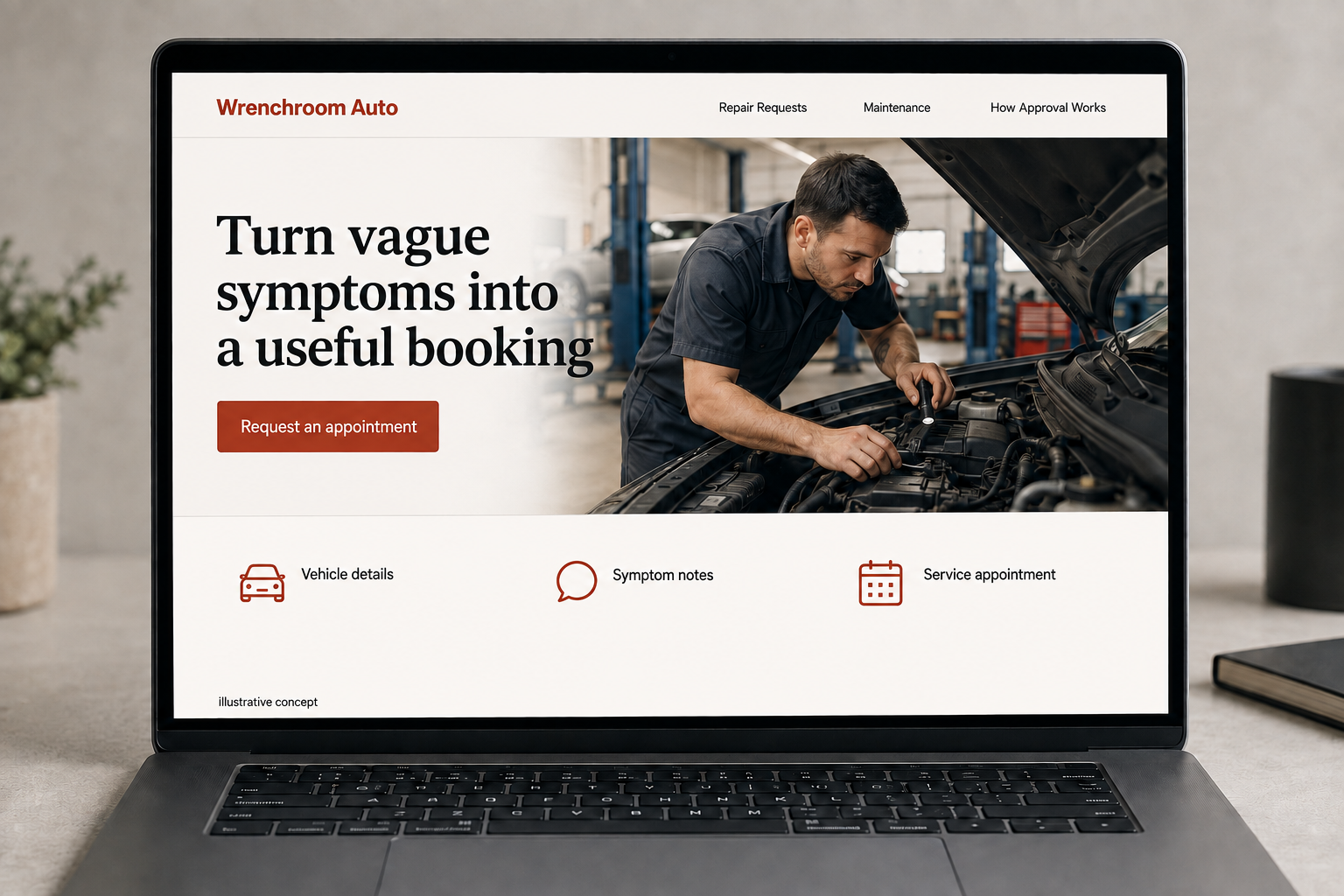
Explore vehicle details, symptom notes, and service appointment.
The main action is “Request an appointment”. Supporting sections cover Vehicle details, Symptom notes, Service appointment.

A driver may recognize a noise, warning, or change in the way a car behaves without knowing its cause. An auto repair website should welcome that description. Explain the intake and approval process, make the appointment route clear, and help customers understand the difference between requesting a named service and asking the shop to investigate a concern.
Let drivers describe a symptom in plain language
Many drivers know a noise or change in behavior before they know which service it needs. Provide a general repair inquiry alongside named maintenance services. Ask for the vehicle and a brief description rather than forcing a diagnosis. State actual hours and the appointment process. The website should help the shop prepare for a conversation without suggesting that a few form answers can identify the fault or establish a reliable repair price for the vehicle.
Explain diagnosis and approval clearly
Describe how the shop discusses the concern, reviews the vehicle, communicates findings, and seeks approval for proposed work. Keep any diagnostic charges consistent with actual policy. Service pages can explain what a listed maintenance visit includes, while distinguishing it from troubleshooting. Customers comparing shops need to understand communication and scope, not only see a list of equipment or logos. A simple process page can answer the questions that otherwise make a first appointment feel uncertain.
Build a booking request around the car and concern
Ask for make, model, year, the requested service or symptom, and a preferred date. Mileage can be optional if it helps the shop. Give room to explain when the issue appears without inviting unsafe tests. Do not mark the appointment confirmed unless scheduling is actually connected to available capacity. Explain whether the customer needs to call about a vehicle that cannot be driven, and describe only the transport options the shop really offers.
Learn from appointments that match the offer
Track requests by service and vehicle type, then compare them with accepted work. If visitors often ask for brands or jobs the shop does not support, make those limits easier to find. Helpful content can explain how to describe a symptom or prepare service records for a visit. Link it to the relevant booking path. Evaluate suitable appointments and fewer intake misunderstandings rather than publishing broad repair advice that does not lead to a useful conversation.
Before you launch
- Allow symptom based requests
- Explain diagnostic approval
- Identify supported vehicles
- Separate preferred and confirmed appointments
Should the booking form ask the driver to diagnose the fault?
Ask for the vehicle details and what the driver has noticed instead. Give them room to explain when the concern occurs without suggesting tests. The shop can then review the request through its actual process, rather than treating a guessed component name as an established repair scope or a confirmed diagnosis.