

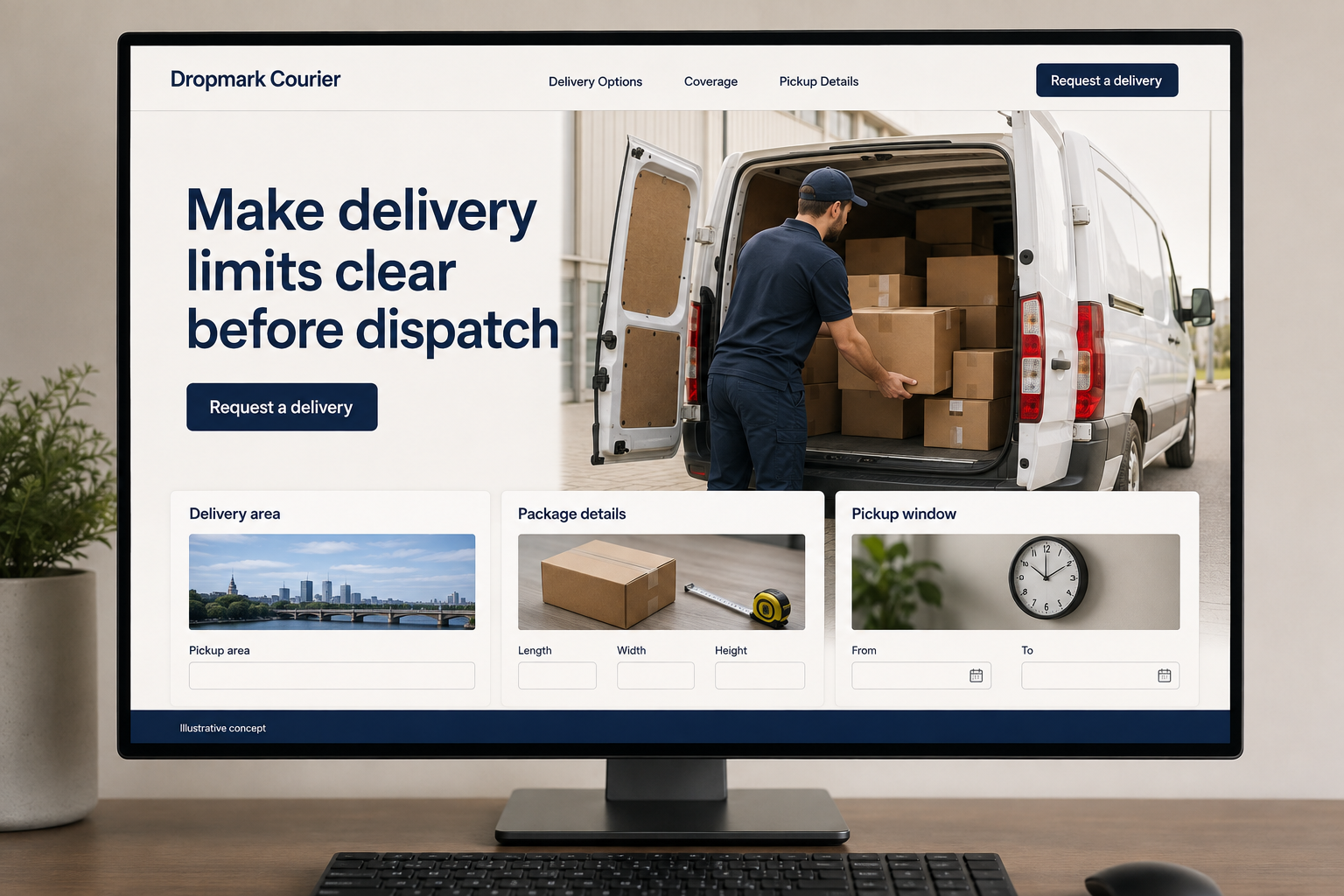
Explore this layout
Make delivery limits clear before dispatch
Explore delivery area, package details, and pickup window.
The main action is “Request a delivery”. Supporting sections cover Delivery area, Package details, Pickup window.
A delivery request has two addresses, a package, and a deadline that needs checking. A courier website should make those facts easy to share while explaining the service’s real limits. Customers should be able to distinguish a scheduled route from a one-off request and understand whether they are asking for a quote, waiting for dispatch review, or making a confirmed booking.
Make the delivery promise specific
A courier customer needs to understand coverage, package limits, pickup arrangements, and the services actually available. Separate scheduled routes from individual delivery requests if both are offered. Do not describe a request as immediate delivery when dispatch still needs to review it. A concise service comparison can help someone choose the right conversation. The website should make it easy to check fit before the customer enters addresses or assumes a particular arrival time is guaranteed for the package.
Explain the handoff and confirmation
Describe how pickup information is confirmed, what delivery updates are provided, and how completion is communicated. Keep those statements aligned with the business’s real process. If certain items are not accepted, say so before the request form. Customers comparing couriers need more than a map and a speed claim. A practical account of the handoff helps them understand what they need to prepare and which details are agreed before a delivery is accepted by dispatch.
Collect package and route details together
Ask for pickup and delivery areas, package size or weight when known, desired timing, and contact details. Avoid requesting sensitive contents unless needed through an appropriate process. Let the customer mention access restrictions without exposing door codes publicly. Explain whether the request is for a quote or dispatch review. If online booking is offered, it should reflect real availability and service limits rather than accepting every address and leaving the customer to discover restrictions later by phone.
Use delivery outcomes to improve the page
Track requests outside coverage, unsupported package types, and repeated questions about timing. Make those limits easier to find beside the relevant action. Helpful content can explain how to prepare delivery instructions or choose between the actual scheduled and one off services offered. Link it to the appropriate request. Measure accepted jobs and repeat business inquiries, then revise the promises that cause confusion rather than expanding a long list of place names with no useful operational detail.
Before you launch
- State package limits before the delivery form.
- Distinguish scheduled routes from one-off delivery requests.
- Keep access codes out of public instruction fields.
- Show how pickup and completion are confirmed.
When should a courier request be called a booking?
Use that term when the system or dispatch team has actually accepted the job within the available service. If addresses, package details, or timing still need review, label it as a request. The confirmation should tell the customer what has happened and how acceptance will be communicated, without implying a guaranteed arrival.