

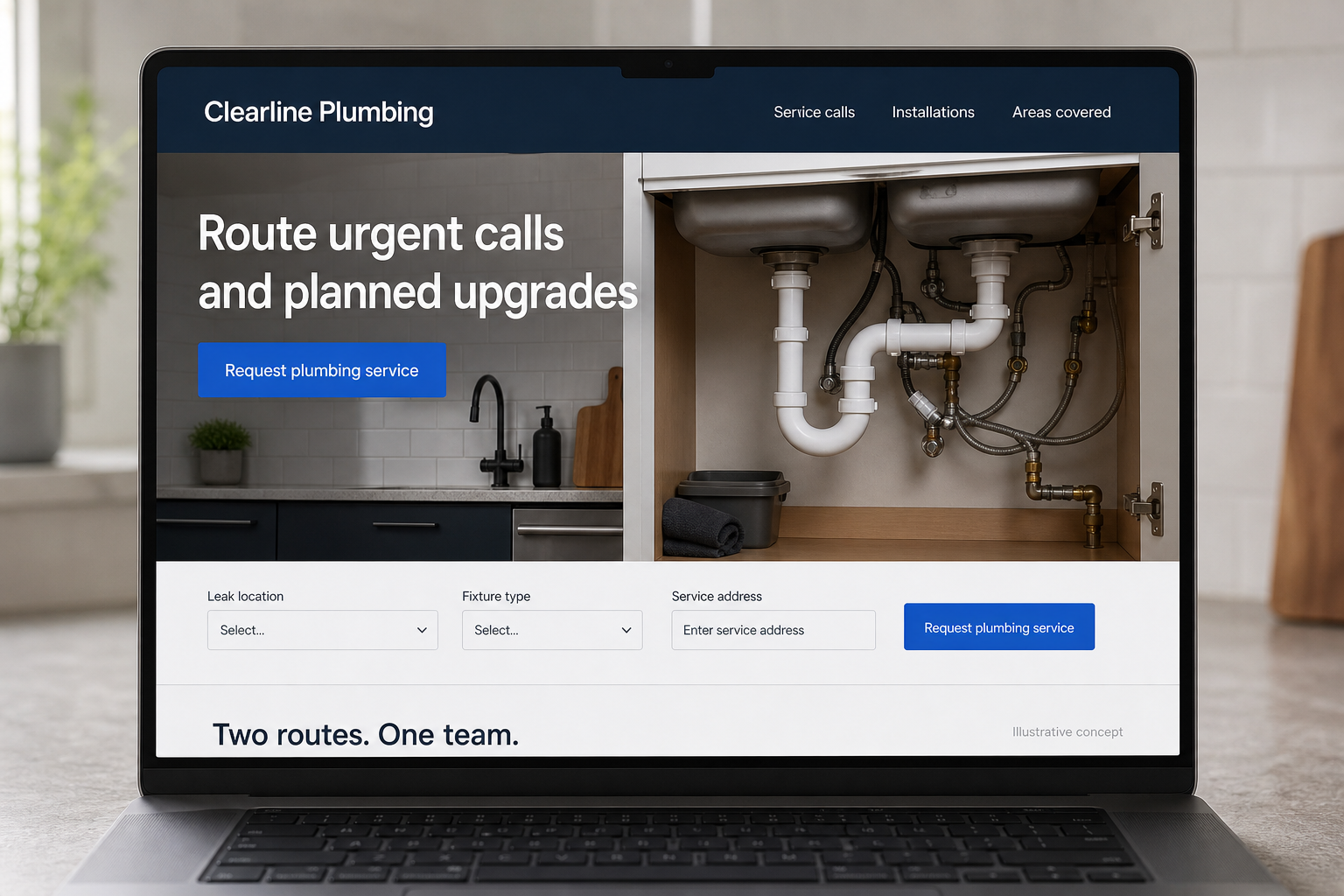
Explore this layout
Route urgent calls and planned upgrades
Explore leak location, fixture type, and service address.
The main action is “Request plumbing service”. Supporting sections cover Leak location, Fixture type, Service address.
Someone dealing with a plumbing problem should not have to explore a company history before finding out whether you handle that kind of call. Put the main service routes, coverage area, and contact choices within easy reach. Then give planned work its own space, so a homeowner researching a fixture installation can prepare an inquiry without being pulled through an emergency-only message.
Give urgent and planned work separate entrances
A dripping tap, a failed water heater, and a bathroom renovation do not belong in the same booking flow. Put the phone route and actual availability near the top, then offer a separate path for planned projects. Describe emergency coverage only if it exists. The page should help visitors reach the right person quickly without pretending that a web form can confirm the cause or severity of a plumbing problem.
Use service pages to explain the visit
For each main service, describe the information the plumber needs and how the first visit is approached. A water heater page might ask about the existing unit and access; a fixture page might ask whether the customer already has a replacement. Explain whether diagnosis precedes an estimate. This helps readers understand why a description alone may not be enough to give a reliable price for the work requested.
Keep the mobile form short and practical
Ask for the address, problem area, preferred contact route, and a brief description. Optional photos can help the office identify the kind of fixture involved, but should not delay someone who needs to call. Separate desired time from confirmed availability. If the company uses an online scheduling system, show exactly which services can be booked there and which need a conversation before a slot is accepted by the team.
Look at the calls the website produces
Measure calls and submissions from each plumbing service page, then compare them with the work actually scheduled. A high volume of requests outside the service area suggests a coverage explanation problem. Repeated questions about customer supplied fixtures suggest missing scope information. Use these patterns to improve the page. Helpful local content answers real planning questions and links to a relevant service instead of repeating the same broad sales pitch.
Before you launch
- Verify the phone link on a real mobile device.
- Keep urgent and scheduled service routes easy to distinguish.
- List the information useful for a fixture installation inquiry.
- Make after-hours contact arrangements explicit and current.
Is a long symptom checker useful on a plumber's homepage?
Usually the first priority is getting the visitor to the appropriate contact route. A short list of service categories can help them describe the issue without making a diagnosis. Save detailed explanations for supporting pages, and keep the phone number or service request available throughout the journey.